🔮 Build a Stunning AI-Generated Portfolio Website (Step-by-Step Tutorial with Lovable + Spline 3D)
🔗 Resources & Links
❤️ Lovable Website: https://lovable.dev/milad
🌐3D Model Used (Spline): https://app.spline.design/community/file/7ffaf321-83b9-473b-a02a-674c1417ff31
📁 Project Assets: https://github.com/MiladiCode/Lovable
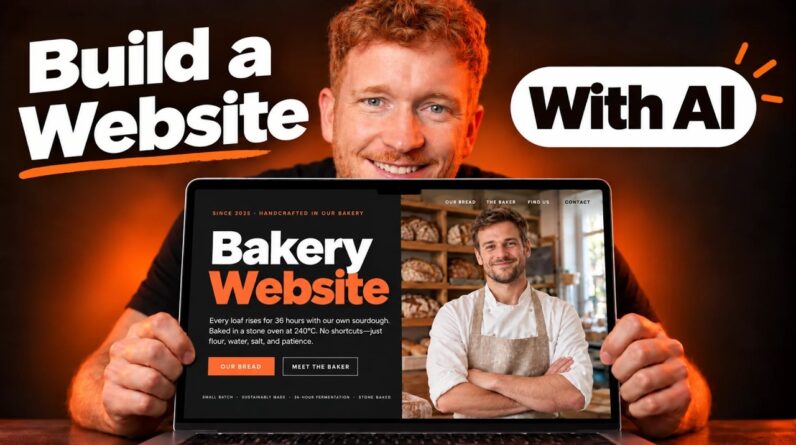
What if you could build a fully responsive, animated portfolio website with glowing buttons, smooth scroll effects, and even a 3D model — all without writing a single line of code?
In this video, we’ll start from scratch and go step by step using Lovable AI, a powerful no-code website builder that lets you create beautiful websites just by writing prompts. You’ll also learn how to integrate Spline 3D models as stunning hero backgrounds, adding interactivity and motion with zero development skills.
🔥 What you’ll learn:
— How to use Lovable AI to build an entire website with text prompts
— How to integrate a 3D model using Spline
— How to create glowing buttons, glassmorphic cards, and animations
— How to troubleshoot and refine your design
— How to make the layout fully responsive for desktop, tablet, and mobile
Whether you’re a designer, developer, or a complete beginner — this tutorial will show you the power of AI in modern web design.
💡 No code. Just creativity. Let’s build it together.
👨💻 Chapters
00:00 – Introduction
02:00 – Downloading the project assets
06:30 – Adding the 3D model using Spline
08:55 – Writing the prompt and uploading reference images to Lovable
09:30 – 10 Essential tips for writing better Lovable prompts
10:50 – How to fix common Lovable errors
13:15 – Exploring key features and options inside Lovable
🔔 Subscribe for more AI + Web Design tutorials
👍 Like the video if you found it helpful
💬 Drop a comment if you have questions or want more videos like this!
#lovableAI #nocode #spline3D #portfolioWebsite #webdesign #aiwebdesign #aidevelopment #nocodetutorial #websitetutorial