



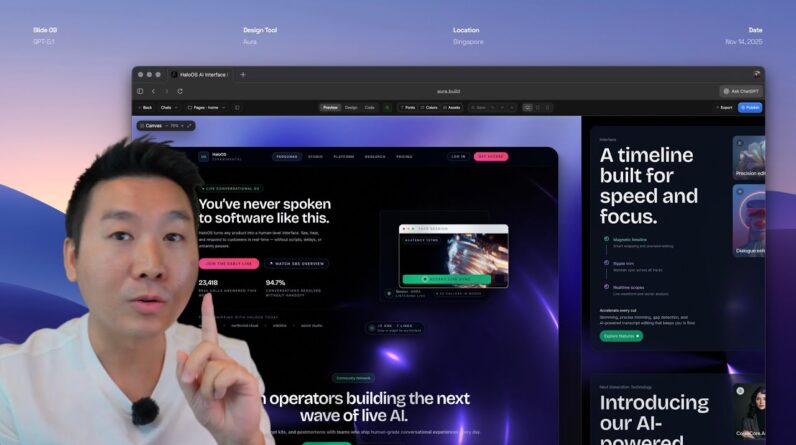
GPT-5.1 just dropped and it’s a game-changer for web design! In this video, I’ll show you how to create stunning, professional landing pages with incredible speed using AI-powered design tools.🚀 What You’ll Learn:
One-shot landing page creation with animations
Image-to-HTML conversion techniques
Using design references and components effectively
Manual editing vs AI prompting strategies
Creating stunning mockups and presentations
How to avoid “AI slop” and maintain design quality
Main Tool:
Aura: https://aura.build
Inspiration Websites:
mymind: https://mymind.com
Dribbble: https://dribbble.com
Lapa Ninja: https://www.lapa.ninja
AI Coding Tools (Export Options):
Lovable: https://lovable.dev
v0 by Vercel: https://v0.dev
Cursor: https://cursor.sh
Design Tools:
Figma: https://www.figma.com
Icon Library:
Solar Icons: https://icon-sets.iconify.design/solar/
Other Related Resources:
Midjourney: https://www.midjourney.com (mentioned for comparison)
Tailwind CSS: https://tailwindcss.com (mentioned as the styling framework)
💡 Key Takeaways:
GPT-5.1 is significantly faster than GPT-5 (instant vs 1 minute wait times)
AI is a tool that requires taste and design knowledge to use effectively
Focus on the last 5-10% that makes your design unique
Use references wisely but make designs your own
Manual editing is often more efficient than over-prompting
🎨 Pro Tips:
Keep prompts concise when starting
Use component references for consistent styling
Manually adjust fonts, spacing, and colors for efficiency
Generate multiple options and pick the best based on your taste
Add personality and uniqueness to avoid generic AI designs
Chapters with Accurate Timestamps:
Intro – 00:00:00 – 00:02:50
Introduction to GPT 5.1 speed and capabilities
Overview of what will be covered in the video
First Prompt – 00:02:50 – 00:04:08
Creating a basic landing page with a simple prompt
Demonstrating the speed of 5.1 vs previous versions
Image to HTML – 00:04:08 – 00:07:11
Taking inspiration from websites
Screenshot-to-HTML conversion demonstration
Discussion of design quality and taste
References – 00:09:46 – 00:13:01
Using component references from the start
Adding buttons, hero sections, and styles
Combining multiple references in one prompt
Editing – 00:13:01 – 00:19:11
Manual editing techniques
Changing fonts, colors, images, and avatars
Using Aura’s editing features vs prompting
Mockup Tool – 00:19:11 – 00:26:55
Canvas feature and presentation modes
Creating social media covers and presentations
3D views, multiple devices, and mockup customization
Final Thoughts – 00:26:55 – 00:31:03
Philosophy on AI design tools
Importance of taste and personalization
Export options and avoiding “AI slop”