#Firebase #FirebaseStudio #FirebaseTutorial
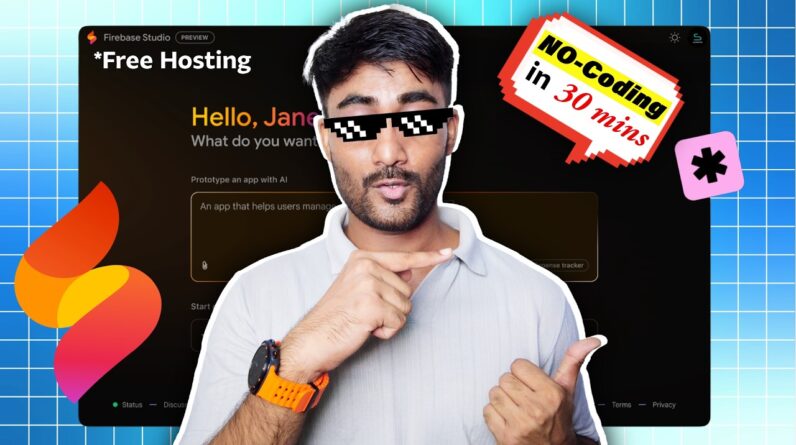
In this video, I’ve guided you on how to develop, generate build, host and publish your website using Hostinger web hosting and Firebase Free Web Hosting by statically exporting your Google Firebase Studio-generated website for free. This step-by-step tutorial covers everything, from downloading your Firebase Studio project to deploying it live for free.
🤝 Support/Order/Business: https://arya.sciteche.in/contact
🔗 Important Links & Resources:
========================
* Prompt & Resources: https://arya.sciteche.in/no-code
* HOSTINGER 20% off + FREE Domain: https://hostinger.in/?REFERRALCODE=SCITECHE
* Bonus Resources: https://arya.sciteche.in/no-code
⏰Timestamps:
========================
00:00 Introduction
00:29 Overview and Requirements
03:36 Developing Website – Start
08:21 Generating Static Build
15:07 Publishing Website – Overview
15:28 Publish on Hostinger – WAY1
17:32 Hostinger Direct publish – WAY2
19:34 Publishing on Firebase Console – FREE
26:58 Conclusion
🚀 Continue Your Learning Journey with DoNoCode:
* Complete Website Development PLAYLIST: https://youtube.com/playlist?list=PLu38GbJsNFt9Jx-od89ll0zHtiYe3xW-J&si=qjgE3nHQTUkxQn1v
* Pay-What-You-Want Course: https://webinar.donocode.in/pwyw
Tags: #Firebasetutorial #Firebasestudio #Firebase #lovable #boltnew #cursorai #WebDev #Webstedevelopment #Firebasehosting #FirebaseStudioPublishError #sciteche #aiwebsitebuilder
LinkedIn: https://www.linkedin.com/in/sciteche/
Instagram: https://www.instagram.com/sciteche.in
Website:- https://donocode.in
🔔 Don’t forget To Like Share & Subscribe Us!
Thanks For Watching
SCITECHE