WordPress MCP with Cursor AI
Want to connect Cursor AI directly to your WordPress website? In this step-by-step tutorial, I’ll show you exactly how to set up WordPress MCP (Model Context Protocol) with Cursor AI so you can create blog posts, analyze SEO, manage comments, and even build Elementor page layouts all without ever leaving your AI agent.
We’ll walk through downloading and installing the MCP Adapter and WordPress MCP plugins from GitHub, configuring the abilities you want to give your AI agent (posts, pages, taxonomy, comments, media, users, and more), generating a WordPress application password, and connecting everything to Cursor AI using the config file.
By the end of this video, you’ll be able to prompt Cursor AI to write and publish SEO-optimized blog posts straight to your WordPress site, analyze existing content, and even generate Elementor layouts automatically.
🔧 What you’ll learn:
What WordPress MCP is and how it works
Installing the MCP Adapter and WordPress MCP plugins
Setting AI agent permissions (abilities)
Generating and using a WordPress application password
Connecting Cursor AI to WordPress
Creating blog posts and Elementor pages with AI
This plugin is completely free, built by me and my team. If you’d like to see it improved further, drop a comment below and let us know!
Blog: https://websensepro.com/blog/how-to-wordpress-mcp-with-cursor-ai/
Video Timestamps
00:00 – Intro
00:19 – What is MCP (Model Context Protocol)?
00:42 – Demo: Blog post created directly by Cursor AI
01:04 – Downloading the MCP Adapter plugin (GitHub)
01:47 – Downloading the WordPress MCP (abilities) plugin
02:58 – MCP settings: configuring AI agent abilities
04:00 – Elementor abilities overview
04:19 – Getting the Cursor config file
04:36 – (Note: Claude, Codex & Antigravity setup videos also available)
04:37 – Adding custom MCP in Cursor settings
05:22 – Generating a WordPress application password
06:10 – Saving the config file in Cursor
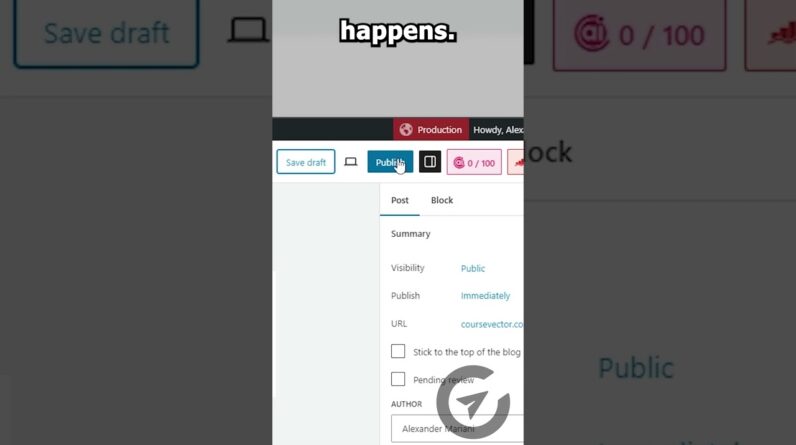
06:54 – Live test: Creating a blog post with Cursor AI
07:37 – Reviewing the AI-generated blog post & SEO
08:27 – Activating Elementor plugin
09:14 – Conclusion
If you want help with Elementor Customization, WordPress Design and Development, Store development, or any other web development help. Contact us via https://websensepro.com/contact-us
Drop a comment if you want me to cover more WordPress + Codex tutorials!
[Claude Design] – Use Claude Design Better Than 99% of People 👉 https://youtu.be/216QiFIqNiE
How To Use Claude Connector For Shopify [Chat With Your Store] 👉 https://youtu.be/7dALCv8xA0U
[Claude Code] How To Use Claude Code – Beginner (Step-by-step) 👉 https://youtu.be/c4_NLFCM3xU
#wordpress7 #cursorai #mcp #aiautomation #elementor #seo