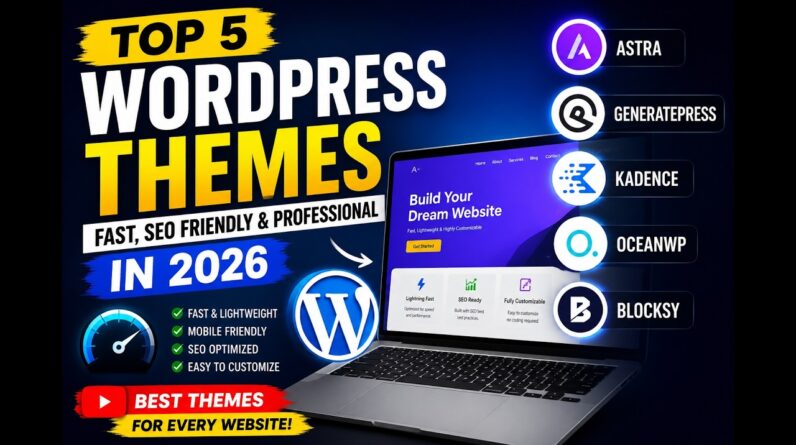
In this Astra Theme WordPress Tutorial you’ll learn how to build a WordPress website using the Astra theme. We’ll cover hosting, domain setup, installing Astra, choosing a template, and customization using Elementor.
✅ Bluehost Special Partner Offer: https://meticsmedia.com/bluehost-jdC
In this Astra Theme WordPress tutorial, follow along step by step as we build a complete website from scratch. You’ll start by setting up fast, affordable hosting with Bluehost and choosing your custom domain. Then we’ll install WordPress and the Astra theme, access hundreds of Starter Templates, and customize your site using Elementor’s drag-and-drop editor. Astra is a lightweight, fast-loading theme that gives you full control of your design without any coding. By the end of this tutorial, you’ll have a fully functional, mobile-ready website you can manage yourself!
📍 Exclusive Deals & Discounts: https://meticsmedia.com/deals
⏱️ Timestamps
0:00 Intro
0:46 Hosting Setup & Domain
2:45 Install WordPress
3:19 WordPress Basic Setup
4:24 Install Astra
4:53 Install Starter Templates
6:25 Choose A Template
8:39 Customizing Website Using Elementor
9:23 Containers and Elements
12:50 Text
15:29 Buttons
19:16 Images
20:59 Background
25:20 Spacing
27:55 Content Layout
31:49 Blocks & Templates
33:17 Colors & Fonts
35:21 Mobile Optimization
37:22 Adding Pages
38:39 Header & Menu
42:57 Footer
44:18 Cache Plugin
📄 Disclosure
Some of the links are affiliate links. If you make a purchase through them, we earn a small commission at no extra cost to you. This helps us keep our videos free for everyone.