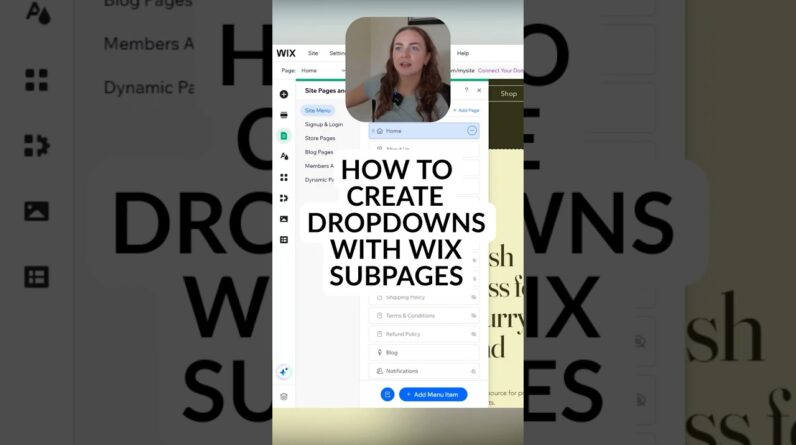



Is your Wix website looking a little “DIY”? In this video, I’m sharing 5 super simple, low-effort ways to instantly make your Wix site look more professional—without needing to be a graphic designer.
From hiding those messy URL slugs to fixing the mobile layout, these are the “finishing touches” that build trust with your visitors and help you stand out.
What we’re covering:
Back-End Settings: How to update your Favicon and Social Share images so your branding is consistent everywhere.
SEO Basics: Cleaning up page names and URL slugs (no more “copy-of-home” links!).
Navigation: Adding a “Back to Top” button for a premium user experience.
Mobile Polish: How to use the Mobile Editor to ensure your site looks great on every device.
Footer Basics: The essential elements every professional footer needs.
🚀 WORK WITH ME 1-ON-1 If you’re still stuck and want a real human to help, you can book anywhere from 15-90 minutes of my time to solve your website problems one-on-one. Whether it’s a design tweak or a technical glitch, let’s get it fixed together!
👉 Book your session here: https://www.wixmadesimple.com/services
Watch Next: Want to dive deeper into Mobile Optimization?
Watch the full video here: https://www.youtube.com/watch?v=Mbvs4tCj7NE&t=3s
Chapters: 0:00 Intro 0:45 Tip 1: Favicons & Social Sharing 2:15 Tip 2: Page Names & URL Slugs 4:00 Tip 3: The Back to Top Button 5:30 Tip 4: Mobile Polish & Optimization 7:15 Tip 5: Professional Footers 8:45 How to work with me 1-on-1
#WixTutorial #WixForBeginners #WebDesignTips #WixMadeSimple #SEOforWix #ProfessionalWebsite