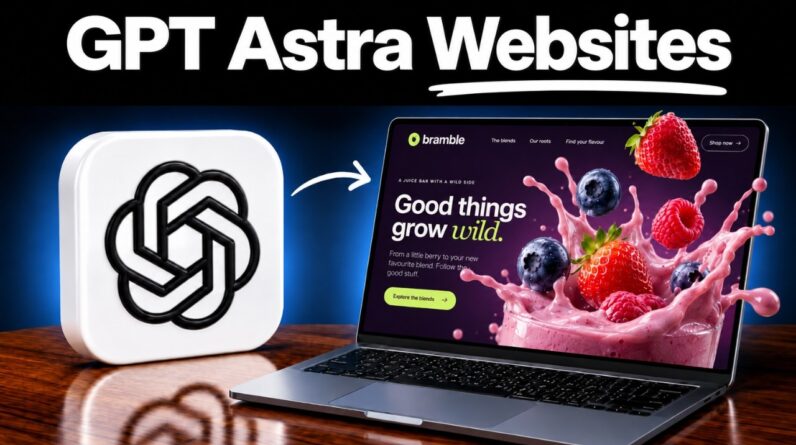
Learn how to build a website with AI in minutes, using the Bluehost AI website builder. Go from one simple prompt to a finished website that’s live on your own custom domain, with no code at all.
✅ Bluehost (Exclusive Discount): https://meticsmedia.com/bluehost-EGP
You describe the exact website you want in plain language, and the AI builds the entire thing for you. This tutorial covers the whole process, starting with how to write your prompt the right way so the first version comes out great. From there you’ll learn the two different ways to edit your site and which one is completely free, how the credit system actually works so you don’t burn through them, and how to use voice chat to request bigger changes like adding your logo or a brand new section. Then you’ll publish your site and connect your own custom domain. You get a 3 day free trial, so you can build your entire website and get it looking exactly right before you pay anything.
What You’ll Learn:
✔️ How to write the prompt that gets you a great first version
✔️ How to answer the AI’s follow-up questions to shape your design
✔️ The two ways to edit your site, and which one costs you nothing
✔️ How credits work, and the one habit that keeps you from wasting them
✔️ How to add your logo and new sections using voice chat
✔️ How to restore your site if the AI ever breaks something
✔️ How to publish your site and connect your own custom domain
📍 Exclusive Deals & Discounts: https://meticsmedia.com/deals
⏱️ Timestamps
0:00 Intro
0:55 Writing Your First Prompt
3:44 Generating Your Website
5:07 Previewing Your Site
5:48 Finding Your Way Around the Editor
6:46 Editing Your Text and Images
8:20 How Credits Work
9:38 Using the AI for Bigger Changes
11:50 Publishing and Upgrading
12:52 Claiming and Connecting Your Domain
14:45 Getting Back Into Your Site
16:30 Next Steps
📄 Disclosure
Some of the links are affiliate links. If you make a purchase through them, we earn a small commission at no extra cost to you. This helps us keep our videos free for everyone.