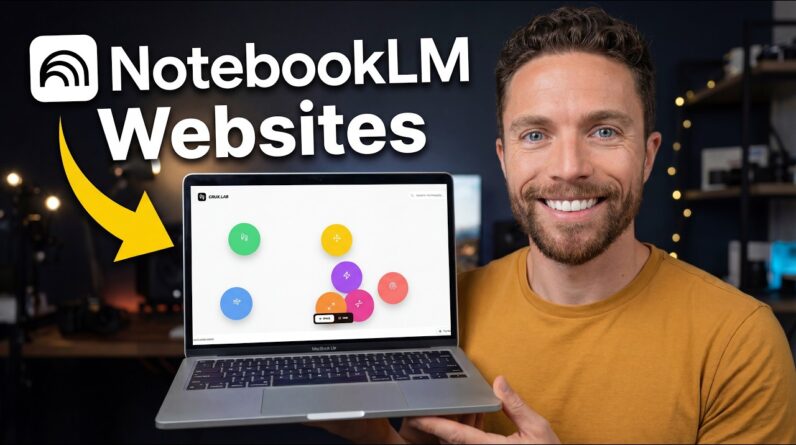
You can turn any NotebookLM notebook into a stunning, interactive website in under a minute — and I’ll show you exactly how.
⚒️ Tools I Use Everyday:
🎙️ Wispr Flow (voice-to-text that actually cleans up your speech): https://ref.wisprflow.ai/l6qEejY
🧠 Kortex (the best Chrome extension for NotebookLM power users): https://kortex-notebooklm.com/ — Use code PAUL10 for 10% off
🔗 This video is not sponsored. Some product links are affiliate links which means if you buy something we’ll receive a small commission.
0:00 Intro
0:27 Set Up The Notebook
1:13 The Builder
1:51 Best Model
3:13 Prompts
5:01 Live Build
7:45 Sharing
7:59 Use Cases
8:52 Cloning