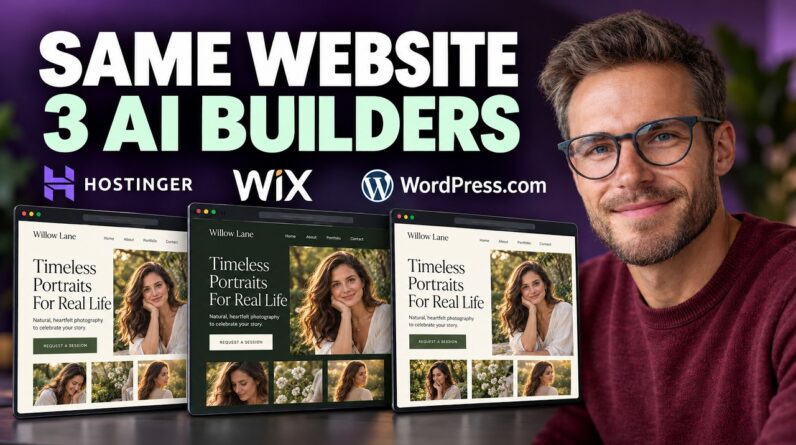
What happens when you give three AI website builders the same brief? Here’s one simple site built on Hostinger, Wix, and WordPress.com, so you can see how each process differs. ✅ WORDPRESS.COM (MY PICK FOR GROWING A SITE): 👉 https://bit.ly/4AUkmAi
🔗 Hostinger: https://hostinger.sjv.io/E0jKmD
🔗 Wix: https://bit.ly/try-wix-for-free
The example is Willow Lane Photography, a portrait photographer in Austin. Visitors should see the work and request a session. No online store, no booking system.
───
THE PROMPT WE GIVE ALL THREE
“Create a website for Willow Lane Photography, a portrait photographer in Austin. Include home, portfolio, about, and contact pages. Use cream and forest green, large photographs, and a request a session button linking to a contact form. Ask for the visitor’s name, email, and what kind of session they want. Don’t invent reviews or awards.”
Adapt it to your business. Your design will vary, but a consistent brief gives you something useful to compare.
───
HOSTINGER
Open its AI builder page, enter your description, and choose Start for Free. When offered manual or agentic mode, choose manual. AI creates the starting website and you make changes with drag-and-drop controls.
Check all four pages are there. Then select the homepage button, choose Edit Button, and under Link To select Pages, then Contact. Make sure its wording says “request a session.” Changing the words alone doesn’t connect it.
Hostinger’s trial lets you build and preview, but publishing needs a paid plan. Good route if you want an AI starting point you can adjust directly.
───
WIX
On its AI website builder page, choose Create with AI, sign in, and give it the same brief, keeping the business details and requested pages consistent.
In the Wix editor, click Ask Arya, its AI assistant, and give one specific instruction: “Link the homepage request a session button to the contact page. Keep the rest of the design unchanged.”
Then check the result in preview. Did the button actually open contact? You can also select elements and adjust them manually.
Wix suits you if you like moving between chat instructions and visual editing. You can build for free, but your own domain requires a paid plan.
───
WORDPRESS.COM
This is the hosted WordPress service, so hosting is included. Its AI builder currently requires a paid plan to build and launch.
From the AI website builder page, click Get Started, sign in, choose a domain or leave it for later, and select your plan. Personal is enough here.
Enter the same brief, answer the follow-up questions, and review the proposed pages before clicking Create Site. If portfolio is missing, add it to the brief before the build starts.
Once the site opens, use the AI chat to request the same button change, one change at a time, checking each before the next.
WordPress.com is my pick if you want this site to grow into a larger one with articles and extra features.
───
WHAT TO FIX ON ANY AI BUILD
– Replace the sample pictures with your own work. For a photographer, AI images aren’t evidence of what you deliver
– Check the contact details and remove claims the AI made up
– Open the phone preview and check the menu text and button
– In the contact form settings, confirm where submissions go
– Once live, submit a test message and check it reaches you
A form that looks finished still needs checking.
───
CHOOSING ONE
You don’t need all three. Pick the editor that feels manageable, then compare its upfront charge, renewal price, and domain costs before committing. Get that first useful version working before adding more.
───
FAQ
Do all three build the same site from one prompt?
No. Designs vary, which is the point. Keeping the brief identical makes them comparable.
Which can I try for free?
Hostinger’s trial builds and previews, and Wix lets you start free. WordPress.com’s AI builder currently needs a paid plan.
Why didn’t my button work after renaming it?
Changing a button’s words doesn’t connect it. You set its link to the contact page.
Should I keep the AI images?
Not for a photography site. They aren’t evidence of your work. Tell the AI not to invent reviews or awards either, and check where your form submissions go before launch.
───
CHAPTERS
0:00 — The Same Build, Three AI Builders
0:26 — The Prompt We Give All Three
0:56 — Hostinger: Starting the Build
1:10 — Hostinger: Checking Pages & Linking the Button
1:35 — Wix: Giving It the Same Brief
1:49 — Wix: Using Ask Arya (& What Needs a Paid Plan)
2:18 — WordPress.com: Setup & Choosing a Plan
2:40 — Entering the Brief & Why It’s My Pick
3:04 — What to Fix on Any AI Build
3:30 — Choosing One & Comparing Costs
───
MORE FROM CREATE WP SITE
🌐 https://createwpsite.com
▶️ https://youtube.com/@createwpsite
𝕏 https://x.com/CREATEWPSITE
───
Affiliate links — I earn a commission at no extra cost to you, which keeps these videos free.
#AIWebsiteBuilder #WebsiteBuilder #WordPress