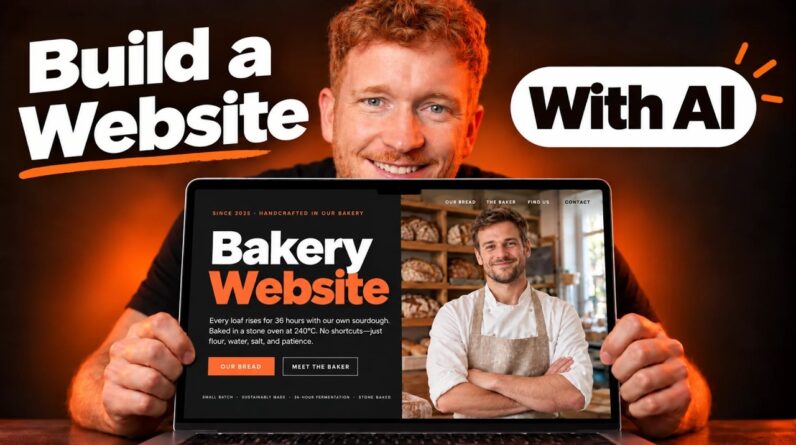
In this complete website building masterclass, I show you exactly how to create a professional, fully functional website from scratch with NO coding required.
Get FREE starter access to my training course and my DONE-FOR-YOU marketing setup: 👉 https://ivanmana.com
I’ll walk you through everything you need to know to build a high-converting website that looks like it was built by a professional agency, including hosting, WordPress setup, page design, blog creation, legal pages, mobile optimization, and lead capture strategies.
Throughout this tutorial, you’ll need a few tools to get started:
👉 Get affordable hosting with Hostinger: https://go.ivanmana.com/hostinger
👉 Use Elementor to design your pages without coding: https://go.ivanmana.com/elementor
👉 Create a professional logo with Canva: https://go.ivanmana.com/canva
This video is perfect for beginners, entrepreneurs, and small business owners who want to launch a stunning website without breaking the bank.
In this video, you’ll learn:
• How to choose affordable hosting and register your domain
• Step-by-step WordPress installation and setup
• How to select and customize a professional theme
• How to design beautiful pages without coding using Elementor
• How to create an effective homepage that converts visitors
• How to build a functional blog
• How to add essential legal pages (privacy policy, terms, disclaimer)
• How to mobile optimize your website for all devices
• How to collect emails with opt-in forms and exit popups
• How to create a professional logo with Canva
• Best practices for website structure, navigation, and user experience
🎬 Timestamps:
0:00 – Introduction
1:03 – Why WordPress is the Best Choice
6:30 – Choosing Hosting & Domain (Hostinger Setup)
17:10 – WordPress Dashboard Overview
42:17 – Installing Essential Plugins
46:30 – Selecting Your Website Theme
1:17:20 – Creating Your Logo with Canva
1:40:35 – Designing Your Header
2:08:14 – Creating Your Footer
2:26:09 – Building Your Homepage
3:18:09 – Creating Your Pricing Page
3:50:00 – Creating Your Contact Page with Forms
4:10:04 – Setting Up Your Blog
4:41:00 – Creating Legal Pages (Privacy, Terms, Disclaimer)
5:01:22 – Mobile Optimization for All Devices
6:07:15 – Adding Exit Intent Popups
6:16:07 – Conclusion
ChatGPT Prompt: I need a Cookie Policy, a Disclaimer, a Terms of Use, an Affiliate Disclosure, and Privacy Policy. What information do you need from me to create these terms?
Additional resources:
Get FREE starter access to my training course and my DONE-FOR-YOU marketing setup:
👉 https://ivanmana.com
Let us help you grow your business online:
👉 https://ivanmana.com/what-we-offer
Like my Facebook page!
👉 https://www.facebook.com/onlinemarketingessentials
Follow me on Instagram:
👉 https://www.instagram.com/ivanmana.biz
Affiliate Disclaimer: This Site may contain links to affiliate websites, and we receive an affiliate commission for any purchases made by you on the affiliate website using such links.
We are a participant in the Amazon Services LLC Associates Program, an affiliate advertising program designed to provide a means for us to earn advertising fees by linking to Amazon.com and affiliated websites.
#websitebuilding #wordpress #elementor