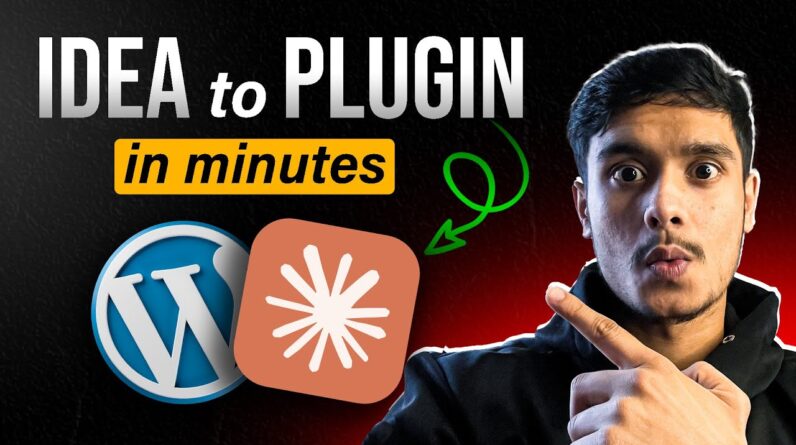
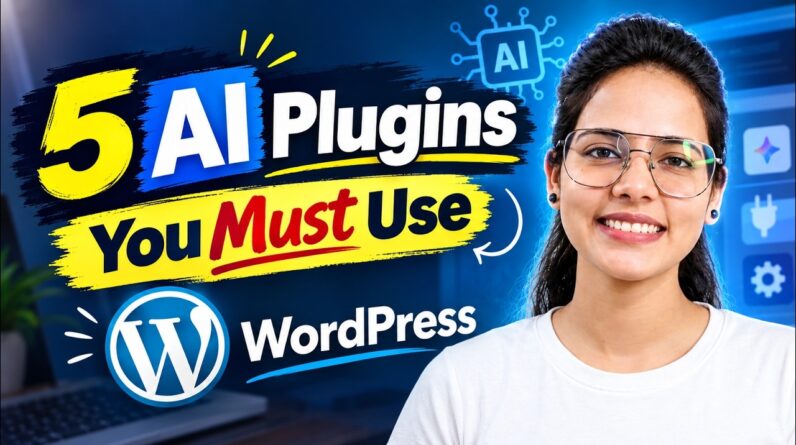
Beginners guide to building WordPress Plugins with AI (the no code way).
👉 If you’d like me to release the video scrub to scroll plugin for free, drop a “Yes please” in the comments!
In this video, I’ll:
✅ Demo the plugin in action (a brand-new “Video Scrubbing” feature for the Cover block)
✅ Walk you through the 5-step process I used to create it
✅ Show you how YOU can build unique and useful WordPress plugins without writing a single line of code
This is a simple, powerful workflow that opens up endless possibilities for WordPress creators.
👉 Stay in touch with WordPress news: https://www.pootlepress.com/sign-up-to-my-newsletter/
👉 Download WordPress Studio (Free): https://developer.wordpress.com/studio/
👉 Download Cursor AI (Free Trial): https://cursor.com/
👉 Download WordPress Plugin Checker: https://wordpress.org/plugins/plugin-check/
Timeline
0:00 – Intro
0:30 – Demo plugin
1:00 – Step 1: Download WordPress Studio
1:24 – Step 2: Downlload Cursor AI
1:50 – Step 3: Setting things up
2:30 – Step 4: Add Cursor rule
3:19 – Step 5: Building a WordPress plugin with AI
4:28 – Bonus tip: Use a plugin checker
5:19 – How to use the plugin on another website