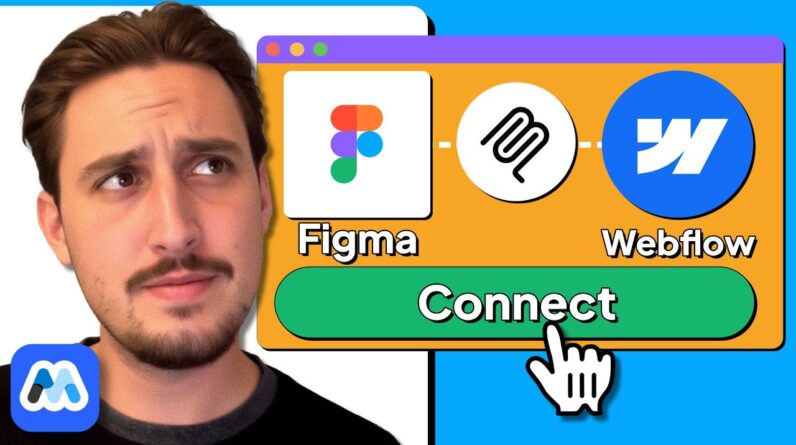
Learn how to transform your Figma designs into fully functional, responsive Webflow sites using the Figma MCP. This in-depth tutorial walks you through setting up the Webflow and Figma MCP servers with Claude, building complex components like navbars and hero sections, and automating tedious development tasks. Discover the pros and cons of this workflow for both Webflow experts and beginners.
Resources Mentioned In This Video:
https://www.memberstack.com/link-in-description/can-ai-build-a-webflow-site-from-a-figma-design?via=jg-yt
TIMESTAMPS:
00:00 – Introduction
00:45 – Setting Up the Webflow MCP with Claude AI
01:54 – Enabling and Connecting the Figma MCP Server
02:54 – Authenticating the Webflow MCP
03:11 – Testing the Figma & Webflow MCP Connections
04:37 – Building the Navbar from Figma with AI
05:52 – Making the Navbar Responsive
06:50 – Creating a Logo Section with Custom SVG Elements
08:55 – Building the Hero Section
10:04 – Final Thoughts: Is this AI Workflow Worth It?
10:33 – Recommendations for Webflow Beginners vs. Experts
UNLOCK THE FUTURE OF WEB DEVELOPMENT
Follow along as we dive into one of the most exciting advancements in AI-powered web development: turning Figma designs directly into Webflow code. This video provides a realistic, step-by-step look at using the Webflow and Figma Model Context Protocol (MCP) servers with an AI assistant like Claude. We’ll cover everything from the initial setup and authentication to building out a navbar, handling responsive design, creating custom SVG elements, and tackling a complex hero section grid. You’ll see the real-world successes and challenges of this cutting-edge workflow, offering valuable insights for both seasoned Webflow experts and those just starting their journey. If you’re ready to speed up your development process and build cleaner, more consistent sites, this tutorial is for you.
If you found this video helpful, please like, subscribe, and share your thoughts on using AI in your Webflow process in the comments below!