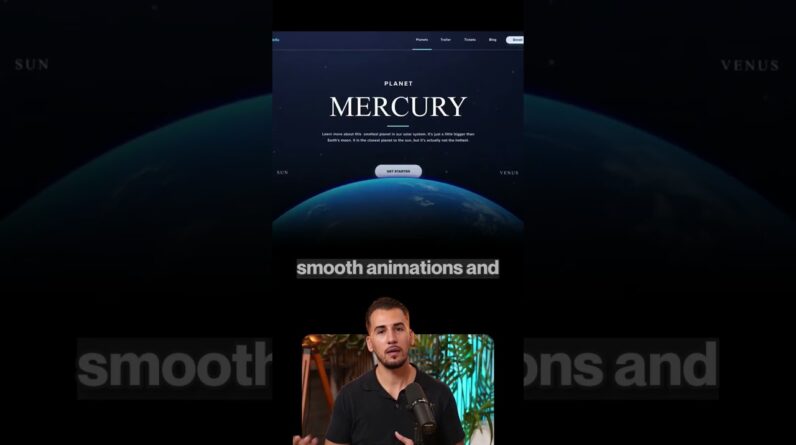
Build a cinematic website with Claude Code, Opus 5.5, and the TopView pluginv.
🎥 Try TopView : https://www.topview.ai/?via=milad
📄 Prompts used in this tutorial : https://iodized-curio-93a.notion.site/KINETIC-3fcf8f4ea45780f7818cc7caabcb8f9c?source=copy_link
🌐Live Website: https://venerable-naiad-7a208b.netlify.app
In this tutorial, I’ll show you how to connect TopView to Claude Code and give your coding agent the creative tools it needs to produce assets while building your website.
We’ll create Kinetic, a SaaS website that combines ancient architecture with robotic hands, dramatic transitions, a working workflow builder, and an interactive city. You’ll see the process, including reviewing assets in TopView Canvas and updating the website with new visuals.
Follow along to learn how to:
• Install and authorize the TopView plugin in Claude Code
• Turn a visual reference into a detailed website prompt
• Generate images, videos, and audio through your agent
• Review and edit creative assets in TopView Canvas
• Bring those assets into an animated website
What would you build with this workflow? Let me know in the comments, and subscribe to MiladiCode for more AI coding and web development tutorials.
This video is sponsored by TopView. The first link is an affiliate link, which means I may earn a commission at no extra cost to you.
#ClaudeCode #TopViewAI #TopViewPlugin #AIWebDevelopment #3DWebsite