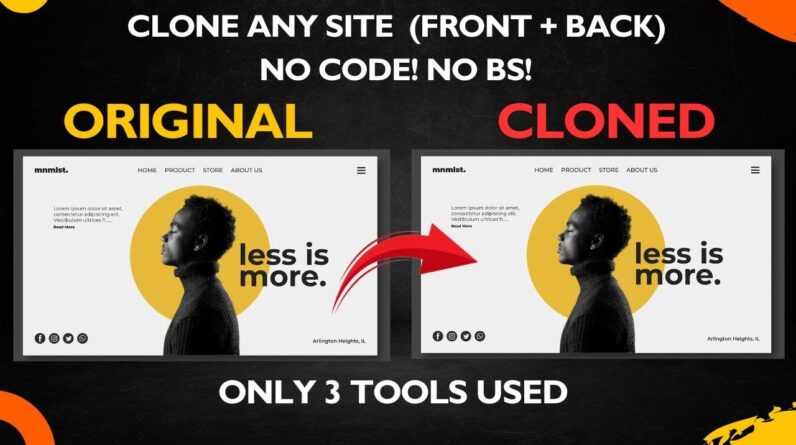
😩 Are you tired of endlessly searching for a real way to clone a website, front-end and back-end, without diving deep into complex coding or endless prompts? You’re in the right place!
🚀 In this no-BS, direct-action tutorial, I’ll show you my secret method to clone ANY website, complete with its front-end and back-end elements, in just minutes. Forget those complicated YouTube videos that waste your time—we’re cutting straight to the chase with 3 powerful tools and 3 simple steps. You’ll even learn how to get your cloned website deployed LIVE online!
Whether you’re an aspiring web developer, a small business owner, or just someone looking for a hassle-free way to replicate web designs, this video is for you. No coding skills? No problem!
SHOUTOUT TO DarthDemono for letting me use his portfolio site as a demo!
🛠️ TOOLS USED IN THIS VIDEO:
1. Save All Resources (Chrome Extension):
🔗 [https://chromewebstore.google.com/detail/save-all-resources/abpdnfjocnmdomablahdcfnoggeeiedb]
2. Trae AI: 🔗 [https://trae.ai/]
3. Netlify: 🔗 [https://app.netlify.com/]
✍️ PROMPT USED FOR TRAE AI (Copy & Paste!):
“I have a folder containing all the necessary files—CSS, JavaScript, HTML, and Bootstrap—but I can’t launch the website. Please help me build the website by properly linking all the files and launching the webpage.”
⏰ TIMESTAMPS :
0:00 Intro
0:33 Step 1: Download Everything with Save All Resources
1:14 Step 2: Build Your Website with Trae AI (The Magic Maker!)
2:38 Step 3: Deploy Your App with Netlify (Go Live in Minutes!)
3:30 Outro
✨ WHAT YOU’LL LEARN:
* How to capture all HTML, CSS, JavaScript, and Bootstrap files from any website.
* The easiest way to assemble a full website (front & back) using TRAE AI.
* Fixing common website integrity issues with TRAE AI.
* Deploying your cloned website live on the internet using NETLIFY in seconds.
* No coding or complex configurations required!
* Web Development with AI
DarthDemono Portfolio site [https://darthdemono.rf.gd/?i=2]
Cloned Site [https://ssfshad.netlify.app/]
Check out how you can get Gemini Pro for free [https://youtu.be/mHvK0YzO3W4]
Check out why everyone must learn Prompt Engineering
[https://youtu.be/oPJ6I1zJnQU]
👍 If this video saved you time and frustration, please hit that LIKE button, SUBSCRIBE for more practical tech tutorials, and SHARE this with anyone who needs to clone a website the easy way!
My Facebook : https://www.facebook.com/profile.php?id=100094321118961
My Instagram : https://www.instagram.com/ssfshad/
My email : skshihanfardin@gmail.com
# TAGS
website clone, clone website, copy website, full stack clone, no code website, AI website builder, netlify deploy, save all resources, trae ai, web development for beginners, website tutorial, easy website clone, clone html css js, backend cloning, web design tutorial, no code tools, website builder, front end development, backend development, deploy website, website in minutes, hassle free website, youtube algorithm, viral tutorial, quick website, web development, web development tips, web development with ai
# HASHTAGS
#WebsiteCloning #NoCode #AIWebsiteBuilder #Netlify #WebDevelopment #WebsiteTutorial #CloneWebsite #TechTips #WebDesign #SaveAllResources #TraeAI #DeployWebsite #EasyWebsite #FullStack #diywebsite