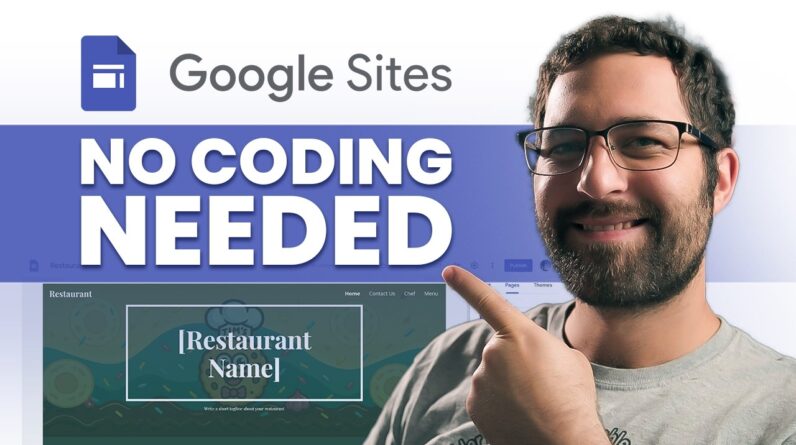
Canva websites just got a WHOLE lot better. You can create professional looking websites and landing pages quickly and easily. I’ve partnered with Canva to show you how to create a Canva website, add something cool with Canva Code and I’ll even show you how to turn your existing designs into website content. Whether you’re building a new brand or refreshing an existing one Canva’s tools make it super easy to design and customize your online presence and websites are a great way to do this.
Check out all the tools at: https://www.canva.com/website-builder/
#CanvaPartner #DesignedWithCanva #canvaverifiedexpert
LINKS:
► Need a Canva Verified Expert? Talk to me about training your team of designers and non-designers in Canva Teams or Canva Enterprise here: https://sociallysorted.com.au
► Work with Donna here: https://www.sociallysorted.com.au/
► Get Training with Socially Sorted (Certified Canva Training Partner) here: https://partners.canva.com/directory/socially-sorted
► Book Donna to speak at your event here: https://www.sociallysorted.com.au/speaking
► Follow Donna’s Canva Creator Profile to discover fresh templates here: https://sociallysorted.com.au/templates
TIMESTAMPS:
00:00 Introduction to Canva Websites (with Donna Moritz – Canva Verified Expert)
01:08 What we will cover (Templates, Brand Kit, Canva Code + Bonuses)
01:34 Templates (for creating Canva Websites) – inspiration and ease!
03:46 Using the Brand Kit to design on-brand and create Canva Websites quickly
05:37 Canva Code – create a widget using Canva AI and add it to your Canva website
08:33 Check the output of your Canva Code
09:08 Bonus Tips – for your Canva Website
09:26 Bonus Tips – Adding links to your Canva Website
10:02 Bonus Tips – Turn your existing designs into Canva websites or website content.
11:10 Preview your Canva website before publishing.
11:58 Publish your Canva website
12:44 Where to find out more about Canva websites
13:12 Summary and next Canva video
👍 Did you find this video useful? Hit the “Like” button!
🔔 Subscribe and Ring the Bell to get notified about new videos!
This video is sponsored by Canva.