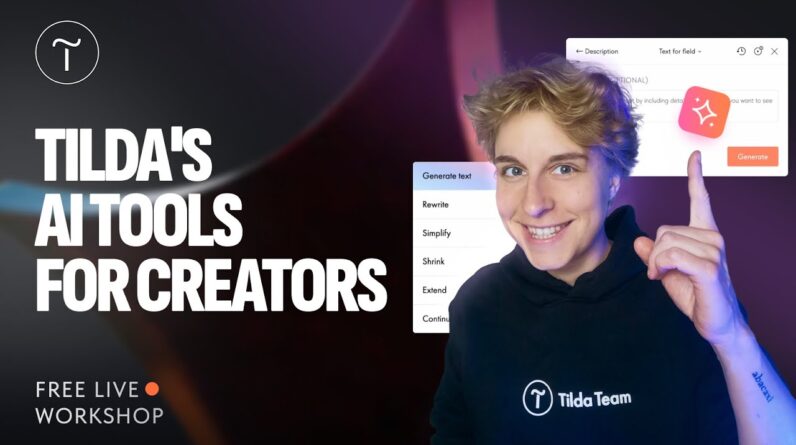
Your website idea is ready—it’s the execution that usually takes time. With Tilda’s AI tools, you can turn that idea into a fully designed, ready-to-launch website in one smooth workflow.
Join us live to explore how to use Tilda’s AI toolset to:
⚡Quickly generate website structure
⚡Choose fitting blocks, color palette, and visuals
⚡Come up with effective website copy and call-to-actions for buttons
💡 Whether you’re a designer, creator, or entrepreneur, this webinar will show you how to optimize your workflow with AI so you can spend less time on manual tasks—and more time on your business or creative work.
👉 Try Tilda’s AI tools for free: https://tilda.link/try-ai
🪄 AI Website Builder: https://tilda.cc/lp/ai
🤩 Free learning resource Tilda Education: https://tilda.education/en
00:00 Intro
04:26 AI Tools overview & how they can help when creating a website
08:43 What you can build with the Tilda website builder
15:58 Generating a page using the AI Assistant
28:21 Generating and modifying web page sections (blocks) using AI
36:25 Modifying separate text elements on the page using AI
46:46 A quick Tilda overview
57:45 Q&A: Accessibility on Tilda
Follow Tilda on social media:
🔸 Instagram: https://www.instagram.com/tilda.cc
🔸 X: https://x.com/TildaPublishing
🔸 Facebook: https://www.facebook.com/tildapublishing
🔸 Telegram: https://t.me/tilda_global
👉 Subscribe for more tutorials and join the Tilda community of business owners building websites without code.
Already using Tilda? Share your feedback at https://www.trustpilot.com/evaluate/tilda.cc
#websitebuilder #aiwebdesign #nocode #aiwebsitebuilder