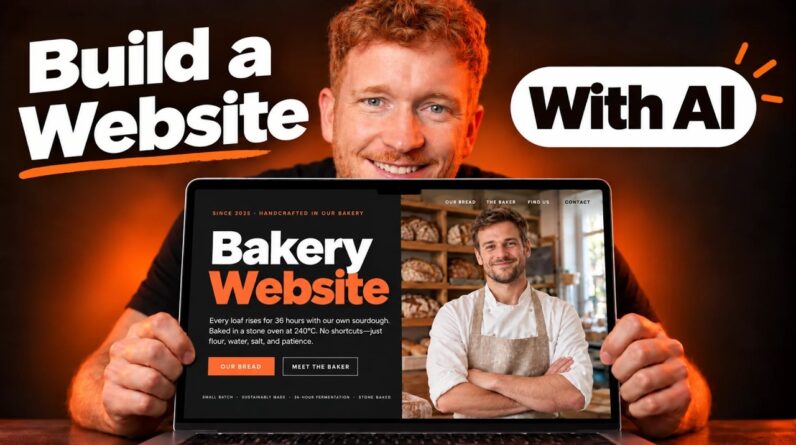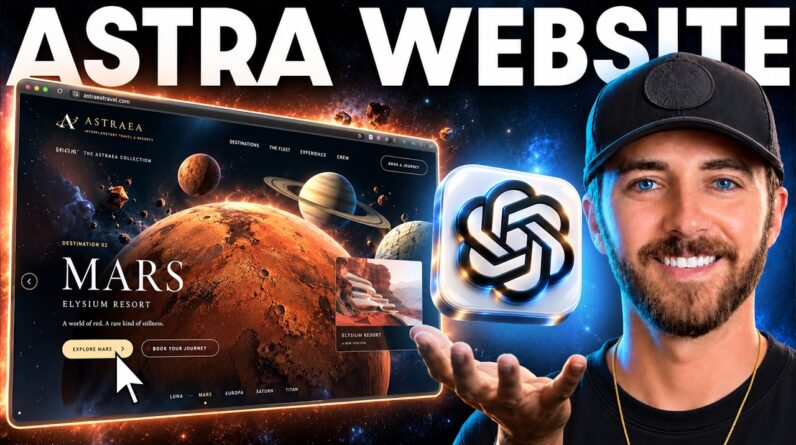
In this video, we’ll walk you through the entire process of building a professional-looking website, quickly and easily, using the powerful combination of ChatGPT and the one.com website builder.
Start your free trial today: https://try-websitebuilder.one.com/?utm_source=youtube&utm_medium=video&utm_campaign=how-to-create-a-website-with-chatgpt&utm_id=1657
📱💬 Follow us on social media:
Instagram: https://www.instagram.com/one.comglobal/
TikTok: https://www.tiktok.com/@one.comglobal
Facebook: https://www.facebook.com/onecom
Twitter (x): https://x.com/onecom
00:20 How to create a full website with ChatGPT
02:10 How to customise the website on one.com Website Builder
02:28 How to change the colours of your website
03:32 How to use the AI writing assistant to change texts
04:33 How to change the position of texts
04:53 How to change pictures
06:20 How to increase the text contrast
06:57 How to edit buttons
08:15 How to add sections
09:15 How to add videos
09:46 How to add pages
10:52 How to add a contact form
12:18 How to add social media links
13:10 How to edit location on the map
13:22 Our online shop feature
13:31 How to add a booking system
13:56 How to view and edit mobile view
15:05 How to publish your website
#ChatGPT #Website #WebsiteBuilder #WebsiteCreation #GPT