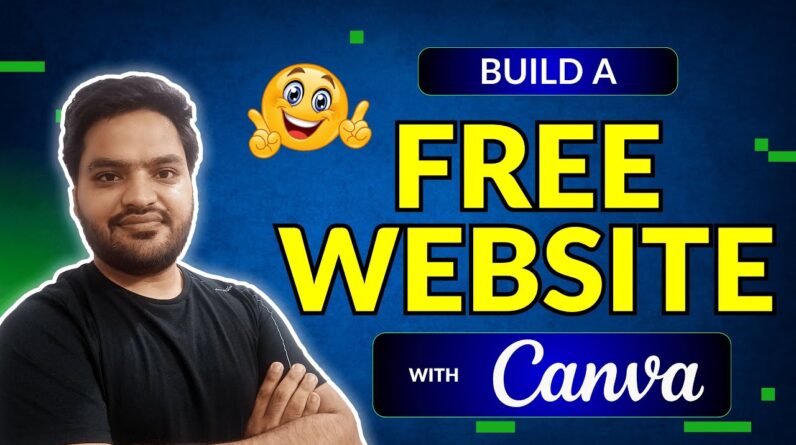
Want to create a professional-looking website without coding or paying for expensive tools? 🌐✨ In this step-by-step tutorial, I’ll show you how to make a website using Canva for FREE in 2025!
Canva is not just for graphic design—it also allows you to create beautiful, responsive, and customizable websites easily. Whether you’re a beginner, student, freelancer, or small business owner, Canva gives you everything you need to build a stunning online presence.
In this Canva website tutorial, you’ll learn:
✔️ How to use Canva’s free website builder
✔️ Step-by-step process to create and publish a Canva website for free
✔️ How to design professional layouts with Canva templates
✔️ Tips to customize fonts, images, and sections for your brand
✔️ How to make your Canva website mobile-friendly and SEO-friendly
By the end of this video, you’ll know exactly how to create a fully functional website using Canva—without writing a single line of code! Perfect for portfolio websites, personal sites, landing pages, or small business pages.
👉 If you find this tutorial helpful, don’t forget to like 👍, share 🔗, and subscribe 🔔 for more tutorials on Canva, AI tools, website building, and digital marketing.
🧨 Choose The Best Hostinger Hosting For WordPress with 75% OFF🧨
✅ Hostinger – Get The Best Deal available! ➡️ https://www.hostinger.com/RAHULSINGHAL (Coupon Code – RAHULSINGHAL) for additional 10% Discount
1. Follow Facebook Ads Series – https://bit.ly/36N1RVv
2. Follow Google Ads Series – https://bit.ly/3NOMXyE
3. Follow SEO Series – https://bit.ly/3u6xIsT
4. Complete WordPress Development in Hindi? Watch here – https://cutt.ly/FnnDW4Y
Contact – Free WhatsApp Chat Support (only chat, no call): +91-9799397787 (Mon – Friday | 10 AM – 5 PM IST)
Disclaimer:
All videos are for educational purposes and use them wisely. Any video may have a slight mistake, please take decisions based on your research. This video is not forcing anything on you. All third-party references are used just for educational purposes, we don’t claim any authority over it.
#myonlinemaster