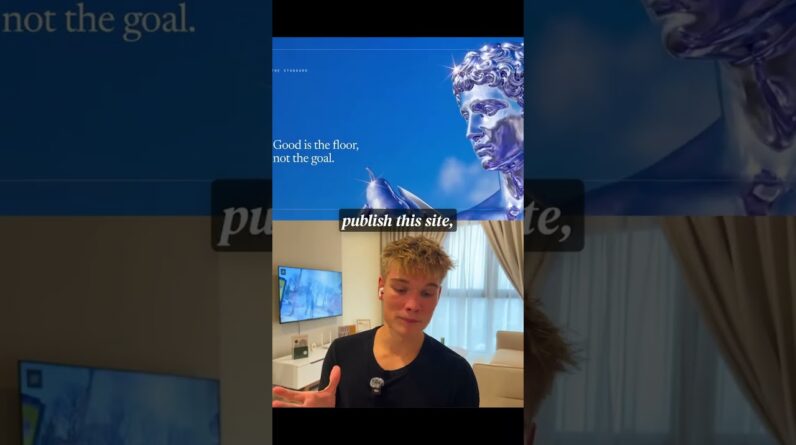
In this tutorial, I’ll show you how to transform your static hero sections into cinematic visuals using Google VEO 3, the latest AI video tool from Google.
*👇Download my FREE Prompt Pack:*
https://logiaweb-weekly.beehiiv.com/c/veo
*You’ll learn:*
How to generate high-quality video loops from static website sections
The exact JSON prompts I use (and how to customize them with ChatGPT)
How to seamlessly integrate AI videos into Framer websites
How to enhance the final result with subtle animations and layout tips
If you’re a web designer in 2025, mastering AI video generation will instantly set you apart.
No more boring sites. This is how premium design should feel.
*Timestamps*
00:00 – Introduction
01:00 – The Before Website
01:43 – Create an Optimized JSON Prompt
03:21 – Create the Video Inside Google VEO 3
05:49 – Edit the Video
06:07 – Remove the Watermark
06:37 – Replace Your Image with the Video
07:39 – Add Entrance Animations
08:08 – Before/After
08:51 – Conclusion
💬 Drop a comment showing what you built with VEO 3.
🔔 Subscribe for more AI x Web Design tutorials every week.
#veo3 #webdesign #aidesign #designtutorial