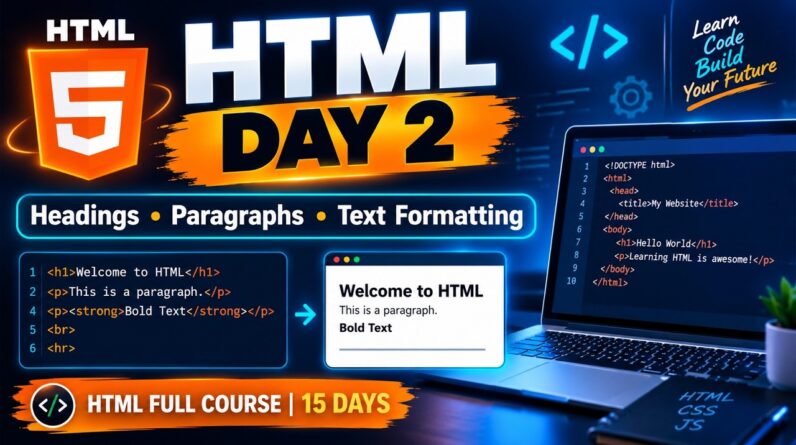



Welcome to HTML Full Course for Beginners — Day 5! 🚀
In this video, you will learn HTML Forms and Input Elements in simple English with practical examples.
📚 Topics Covered in Day 5:
What is an HTML Form?
HTML formTag
Input Types: Text, Email, Password, Number, Date
Radio Buttons and Checkboxes
File Upload Input
HTML Labels and Placeholders
Dropdown Menu using
Textarea for Messages
Submit and Reset Buttons
Required Attribute and Basic Form Validation
Practical Project: Business Enquiry Form
🎯 What You Will Learn:
By the end of this lesson, you will be able to create a basic HTML form for student registration, business enquiries, and contact pages.
💻 Practice Task:
Create a Student Registration Form using HTML.
📅 HTML Course — 15 Days, 2 Projects
Learn HTML step by step from beginner to project level.
👍 Like the video, share it with your friends, and subscribe to the channel for upcoming HTML lessons.
Note: This lesson uses HTML examples for practice. A form needs a backend or form-handling service to securely process and store submitted data.
Keep Learning. Keep Building! 🚀
HTML tutorial for beginners, HTML Day 5, HTML forms tutorial, HTML input types, HTML form elements, HTML full course in English, learn HTML step by step, HTML form validation, HTML labels, HTML dropdown menu, HTML textarea, student registration form HTML, contact form HTML, business enquiry form HTML, web development for beginners, HTML course 2026
#HTML #HTMLTutorial #HTMLForBeginners #HTMLForms #HTMLDay5 #WebDevelopment #LearnHTML #CodingForBeginners #HTMLFullCourse #Programming