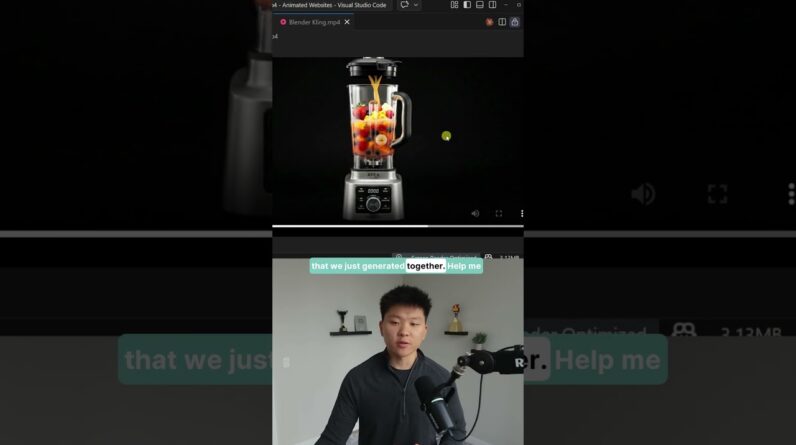
In this tutorial, you’ll learn how to install uSkinned Site Builder on your local machine step by step. We start by visiting the uSkinned website, grabbing the Quick Install command, and setting up a new project in Visual Studio Code. You’ll see both Umbraco and uSkinned Site Builder installed in just minutes.
The video also covers how to handle the license setup — from downloading it through the uSkinned customer portal to adding it to your project’s Umbraco Licenses folder. After restarting your project, you’ll confirm the license is in place and your uSkinned dashboard is ready to go.
By the end, you’ll have a fully installed and licensed uSkinned Site Builder environment on your local machine, ready for you to begin designing and building your website. Don’t stop here — check out the next video to dive deeper into using uSkinned!