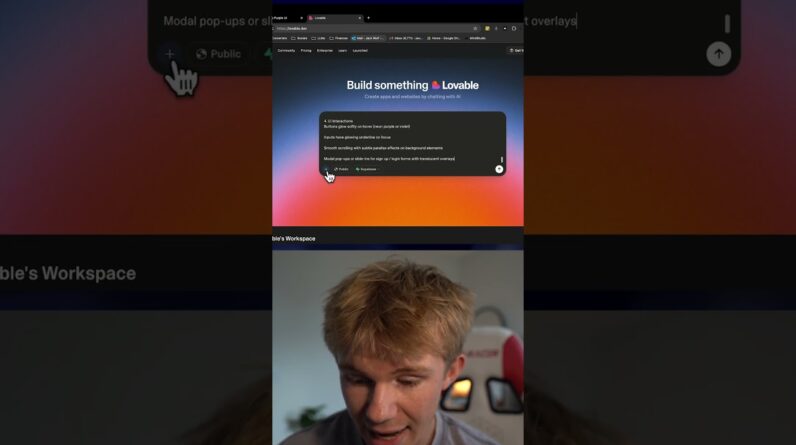
In this video, we explore how to build a website using Lovable. Watch as we guide you step-by-step, from prompting to deploying your own website !
The template we used to prompt:
Create a [style/adjective] website for [business/project name], a [short description of what it does]. The site should feel [tone/feeling, e.g., professional, fun, modern, cozy], with a [color palette and typography style].
Pages/Sections to include:
Home: Hero section with headline “[catchy tagline or slogan]” + CTA button “[button text]”
[Section 1 name]: [Brief description of what should go here]
[Section 2 name]: [Brief description]
[Section 3 name]: [Brief description]
Testimonials/Reviews: [Customer quotes, star ratings, etc.]
Contact/Support: [Form, email, phone, map, or FAQ]
Add a highlight section showing [credibility metric, e.g., number of customers served, success stories, achievements].
Make it [responsive/mobile-friendly/modern/minimalist/etc.] with clear call-to-action buttons.
Use [types of imagery, e.g., food images, medical illustrations, tech icons, product mockups] to support the theme.
Have fun!!