Check out my 1 Day WP Security course here: https://security.wplearninglab.com/1d-wp-security-course
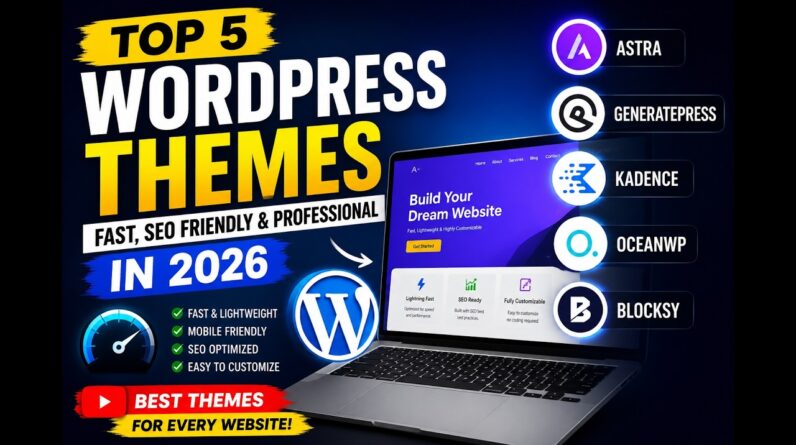
If you want a WordPress theme that’s fast, flexible, and free, Blocksy should be on your radar. This video shows exactly how to install it, use the Blocksy Companion, import starter sites, customize layouts, edit headers and footers, and get your pages looking clean with Gutenberg or Elementor. You’ll see how the global color system, block library, and drag-and-drop header builder come together in a way that makes editing actually fun. No coding needed. No clutter. Just a clear setup that fits beginners and pros.
We’ll walk through installing a starter site, fixing menus, customizing your layout, adjusting typography, and adding key features like social icons, contact blocks, and scroll-to-top buttons. You’ll also see how Blocksy handles WooCommerce layouts and how easy it is to control site-wide design from the Customizer. By the end, you’ll know exactly whether the free version is enough for your site or if Blocksy Pro is worth it.
This video is sponsored by Blocksy. Some product links are affiliate links which means if you buy something we’ll receive a small commission.
Always backup your site just in case (or use a staging site), here’s how: https://www.youtube.com/watch?v=Dl9G9b6ztto&list=PLlgSvQqMfii7DBqNndpiioUsJzyDOXADk
===============================================
✨LEARN MONEY-MAKING WORDPRESS SKILLS WITH ME
===============================================
💰 Get My 1 Day WP Security Course: https://security.wplearninglab.com/1d-wp-security-course
🏎️ Check out my WordPress Speed Killers Toolkit: https://fast.wplearninglab.com/wordpress-speed-killers-toolkit-135603
==========================================
PRODUCTS AND GEAR MENTIONED IN THIS VIDEO
==========================================
Check out Blocksy here:
👉🏼 https://creativethemes.com/blocksy/
====================
MY WORDPRESS TOOLS
====================
Elementor Pro:
👉🏼 https://wplearninglab.com/recommends/elementor
Crocoblock:
👉🏼 https://crocoblock.com/?ref=72&campaign=yt_description
NitroPack:
👉🏼 https://nitropack.io/page/features/#7UDUQN
Siteground (best starter hosting for WordPress):
👉🏼 https://www.siteground.com/go/dx1g30blke
================================================
✨GRAB YOUR PRICELESS WORDPRESS CHECKLISTS FREE
================================================
WPLL Launch Checklist: https://wplearninglab.com/get/wordpress-redirects.php?utm_source=youtube&utm_medium=video&utm_campaign=wp_jumpstart&utm_id=17_point_wp_launch_checklist&utm_term=s7CiLYPYxq8&utm_content=video_description
Get your copy of the 11-Point Security Checklist here: https://security.wplearninglab.com/get-the-11-point-wordpress-security-checklist-free
The 5 Email Sequences Every Business MUST Have PDF: https://wplearninglab.com/get/wordpress-redirects.php?utm_source=youtube&utm_medium=video&utm_campaign=online_marketing&utm_id=5_email_sequences_manuscript&utm_term=scE9z7T19hs&utm_content=video_description
==========================================
PRODUCTS AND TOOLS I USE IN MY HOME STUDIO
==========================================
Insta360 Link:
🎥 https://amzn.to/4dtjczK
Logi LG Webcam:
🎥 https://amzn.to/3yQankj
iMac:
🖥️ https://amzn.to/4dM7EXU
Yeti Mic:
🎙️ https://amzn.to/3YOV8TA
Neewer Ring Light:
💡https://amzn.to/3X65Fbu
LED Flood Light:
💡https://amzn.to/4dor5q1
Newer Softbox Lights:
💡https://amzn.to/3M9Htij
Prompter:
🎬 https://amzn.to/4dKYuet
Autonomous AI desk:
🖥️ https://amzn.to/3AvO308
================
⏰ TIME CODES ⏰
00:00
=================
CONNECT WITH ME!
=================
IG 💬: https://www.instagram.com/wplearninglab
FB💬: https://www.facebook.com/groups/wplearninglab
TikTok💬: https://www.tiktok.com/@wplearninglab
X:💬: https://x.com/wplearninglab
========================================
#wplearninglab #wpllcommunity #wordpresstips
Disclaimer: Please see the link for our disclaimer policy for all of our videos on the WPLearningLab YouTube channel: https://wplearninglab.com/disclaimer/