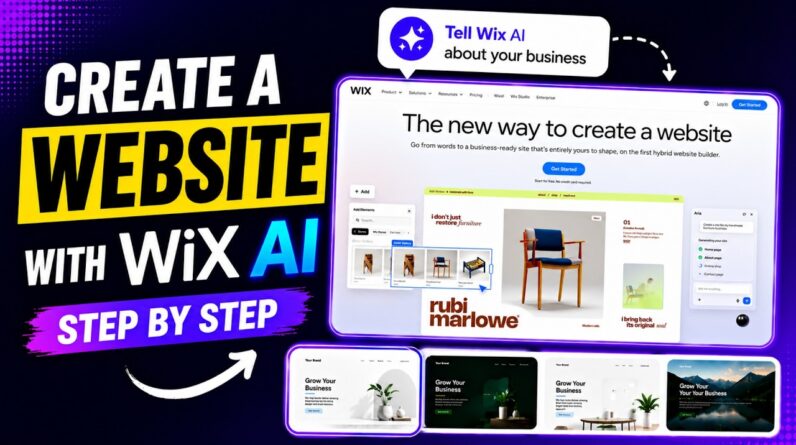
Learn how to create a professional website using Wix AI in this step-by-step tutorial. We’ll show you how to chat with Wix AI so it can understand your business and automatically generate multiple website designs based on your input. You’ll also see how to choose the best version for your brand and customize your website using the Wix editor.
In this video, we cover Wix AI website creation, editing layouts, updating content, and personalizing your site interface without coding. Whether you’re building a business website, portfolio, or personal brand, Wix AI makes the process fast and beginner-friendly. Subscribe for more website tutorials and AI tool guides.
✅ 👨💻 Hire us 👉 https://wpgiz.com/contact/
⭐️⭐️ Relevant Links ⭐️⭐️
👉 How to Make a WordPress Website → https://youtu.be/nmzWUXR_WVU
👉 How To Build A Website With Wix → https://youtu.be/78rLwyN8X14
👉 How to Install WordPress on Localhost XAMPP → https://youtu.be/Upw5QPhiQUY
👉 How to Run WordPress on Localhost Using WAMP → https://youtu.be/aMVxKgt3adg
👉 How to Create an eCommerce Website with WordPress → https://youtu.be/QU8sgvKurHI
👉 Our blog → https://wpgiz.com
👉 Visit Wix → https://www.wix.com/
⭐️⭐️ ⭐️⭐️
🔔 Subscribe to our channel → https://www.youtube.com/WPGIZ
😍 Support Us via Donations 👉 https://www.buymeacoffee.com/wpgiz
⭐️⭐️ ⭐️⭐️
⭐️⭐️ Follow us on social media ⭐️⭐️
👉 Facebook → https://www.facebook.com/wpgiz/
👉 Twitter → https://twitter.com/wpgiz
👉 LinkedIn → https://www.linkedin.com/company/wpgiz/
⭐️⭐️ ⭐️⭐️
#Wix #WixAI #WebsiteBuilder