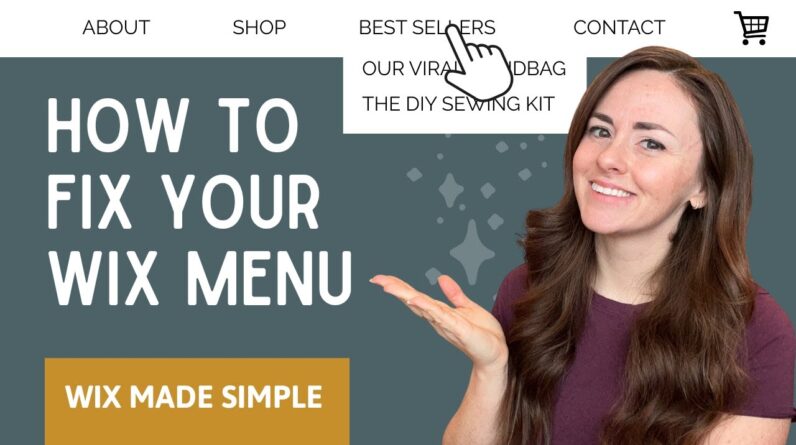
Creating a website with Wix is a user-friendly experience, especially for beginners or small business owners looking to get online quickly. In this short tutorial, you’ll learn the basic steps for starting a Wix website, choosing a template, and managing your site from both desktop and mobile. Wix offers a flexible platform with drag-and-drop tools, AI-driven website creation, and an extensive template library to suit various business and personal needs.
To begin, go to [https://www.wix.com](https://www.wix.com) and click on ‘Get Started’. You’ll be prompted to sign in or create an account using Google, Facebook, or your email. After signing in, Wix gives you a few choices to kick off your site: you can use the Wix AI Builder (which generates a site based on a few questions), select from one of their professionally designed templates, or start from scratch with a blank canvas.
This video focuses on using templates. Once logged in, go to the ‘My Sites’ area and choose the site you’d like to work on. If it’s your first time, you can select a template and start customizing. Templates are pre-designed websites that you can personalize by editing text, images, layout, and pages. You can manage your site through the web dashboard or via the Wix Owner app, which is available on mobile devices. The app allows you to monitor traffic, update content, and communicate with visitors or customers on the go.
If you’re planning to publish your site with a custom domain, you’ll need to upgrade to a premium plan. This enables domain connection, additional storage, and other advanced features. For editing and designing more intricate site details, it’s recommended to use the desktop editor, which offers the full suite of tools.
For more detailed guides and resources, you can visit the official Wix blog, where you’ll find insights, examples, and in-depth tutorials to help enhance your site.
Timestamps:
0:00 Introduction
0:04 Getting started on Wix.com
0:36 Choosing and editing a website template
1:00 Managing your site via the Wix app
1:11 Custom domain and desktop editing
1:22 Further learning via Wix blog
1:41 Conclusion
Hashtags:
#WixTutorial #WebsiteBuilder #WixWebsite #CreateAWebsite #WixGuide #SmallBusinessTools #WebsiteDesign #WixTips