


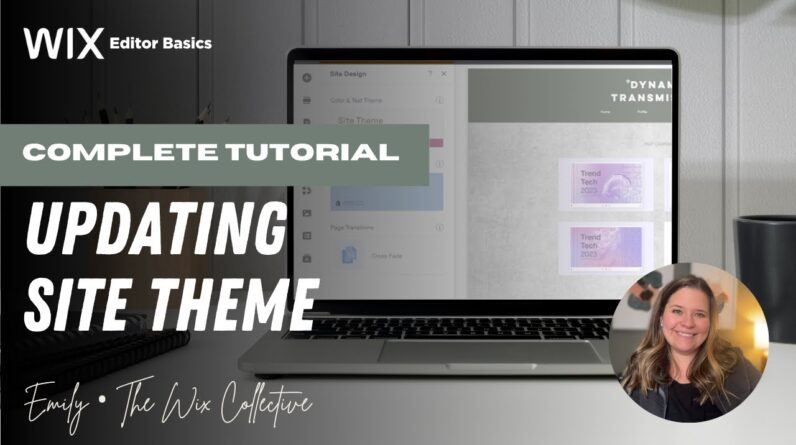
Tired of changing every font or color one element at a time in Wix? In this video, I’ll show you how to easily customize your entire website using the Wix Site Theme feature!
I’m Emily Thomas from The Wix Collective, and I’ll walk you through:
🎨 How to access and use the Site Theme in the Wix Editor
🖌️ Changing global fonts, colors, backgrounds, and transitions
⚡ Avoiding common mistakes (like customizing elements outside the theme!)
📚 Why Wix doesn’t allow template swapping—and what to do instead
✨ Plus: tips for using preloaded Wix themes and making them your own
Whether you’re rebranding or starting fresh, this tutorial will help you create a polished, consistent look without the stress.
💡 Grab a ready-to-edit Wix template built for theme customization:
👉 https://www.wixcollective.com/templates
📌 Like, comment, and subscribe for more easy Wix tutorials!