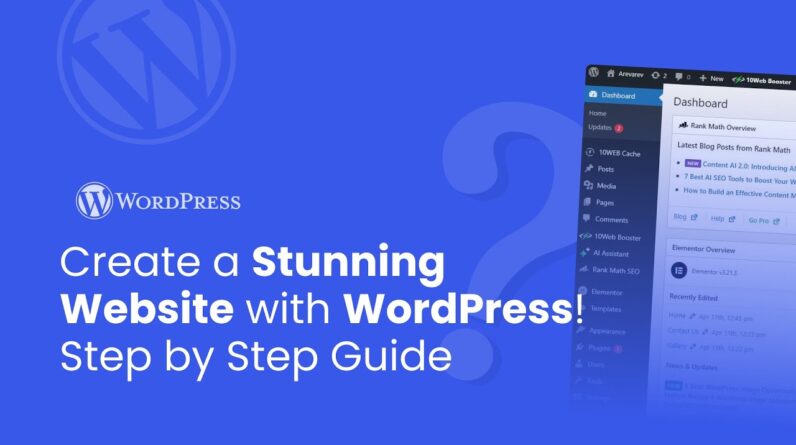
Learn how to build a beautiful WordPress Website in 15 mins. This step-by-step tutorial is super beginner friendly.
In this Tutorial you’ll learn, how to start from scratch and how to live your first WordPress site.
Timestamps:
00:00 Introduction
00:15 What You Need Before Starting (Domain, Hosting, WordPress Setup)
00:26 How to Reset WordPress Website
01:16 Install & Review XPRO Theme + Essential Plugins
01:52 Why Use Maintenance Mode While Building
02:13 Import a Full Website with XPRO Starter Sites
03:49 Fix Permalinks & Elementor Cache After Import
04:16 Website Pages Overview (Home, About, Blog, etc.)
04:49 Set Homepage in WordPress Settings
05:52 Change Site Name & Check Imported Pages
06:00 Edit Homepage with Elementor: Live Customization
06:39 Understanding Elementor Page Structure
06:40 Edit Text, Fonts, and Headings in Elementor
07:26 Change Images with Media Library
08:06 Customize Buttons (Text, Color, Link, Style)
08:58 Add or Remove Widgets & Sections Easily
10:07 Save Changes & Preview Your Website
10:33 Edit Header & Footer with XPRO Theme Builder
10:58 Add Logo, Navigation, and Style Footer
11:58 Create a New Page (e.g. Services or Testimonials)
12:31 Use Customized Elementor Blocks or Page Templates
13:19 Customize Imported Templates & Remove Unwanted Sections
14:05 Add the New Page to WordPress Menu
14:51 Enable Maintenance Mode in Elementor Tools
15:41 Create & Design a Coming Soon Page Template
16:36 Check Maintenance Mode in Incognito Tab
16:52 Final Recap: What You’ve Built So Far
17:31 Outro
#wordpress #wordpresstutorial #wordpresswebsite