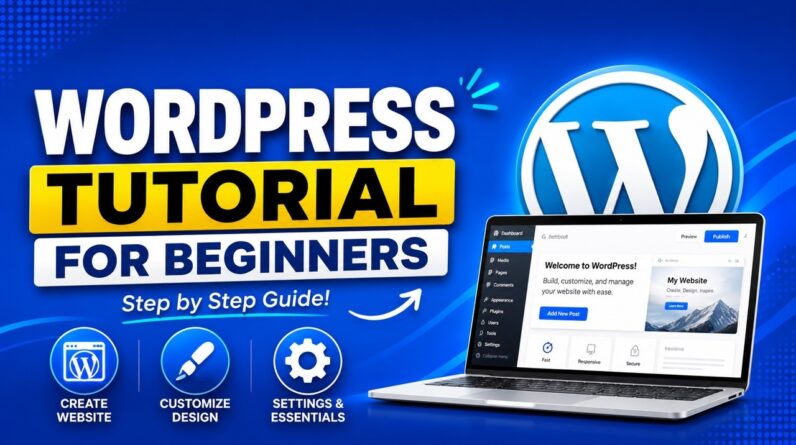
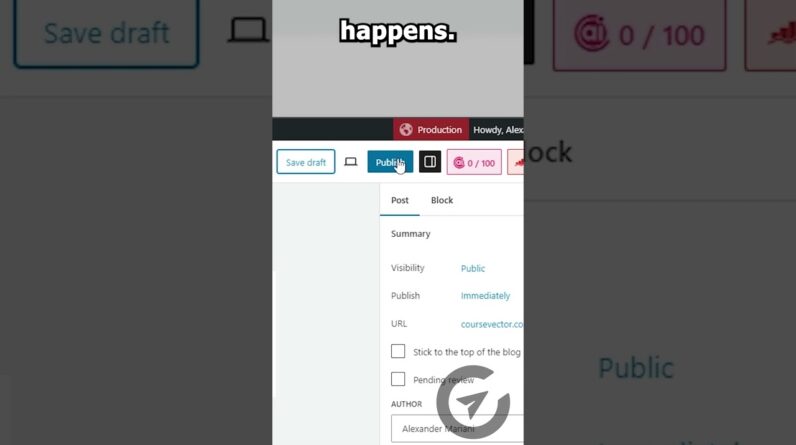
This WordPress tutorial for beginners is a free, step-by-step full course from start to finish. Follow along and by the end you’ll have a clean, live WordPress website built from scratch, even as a total beginner.
✅ Hostinger (Exclusive Discount): https://meticsmedia.com/hostinger-KEB
*New Year Sale: 86% Off + 3 Mo. Free for a Limited Time
In this WordPress tutorial for beginners, you’ll learn how to build a WordPress website step by step from start to finish. We’ll cover WordPress.com vs WordPress.org, picking the best WordPress hosting, installing WordPress, basic setup, importing the Astra theme & starter templates, and customizing your site with Elementor so it looks clean and professional.
What You’ll Learn
✔️ WordPress.com vs WordPress.org (which one you should use)
✔️ How to choose the best WordPress hosting for beginners
✔️ How to install WordPress and do the basic WordPress setup
✔️ How to install the Astra theme + Starter Templates
✔️ How to use Elementor to edit your pages step by step
✔️ How to customize your website layout and structure
✔️ How to add new pages, templates, and blocks
✔️ How to edit your navigation menu, header, and footer
📍 Exclusive Deals & Discounts: https://meticsmedia.com/deals
⏱️ Timestamps
0:00 Intro
0:36 WordPress.com vs. WordPress.org
2:44 Getting Best WordPress Hosting
5:55 Install WordPress
8:16 WordPress Basic Setup
10:11 Install Theme
11:11 Install Starter Templates & Elementor
13:47 Choose a Template
15:56 Customize Website
16:12 Understanding Website Structure
17:31 Editing Website Elements
21:16 Adding New Pages
21:37 Page Templates & Blocks
22:36 Page Settings
23:14 Editing Navigation Menu
24:58 Editing Header
27:22 Editing Footer
📄 Disclosure
Some of the links are affiliate links. If you make a purchase through them, we earn a small commission at no extra cost to you. This helps us keep our videos free for everyone.