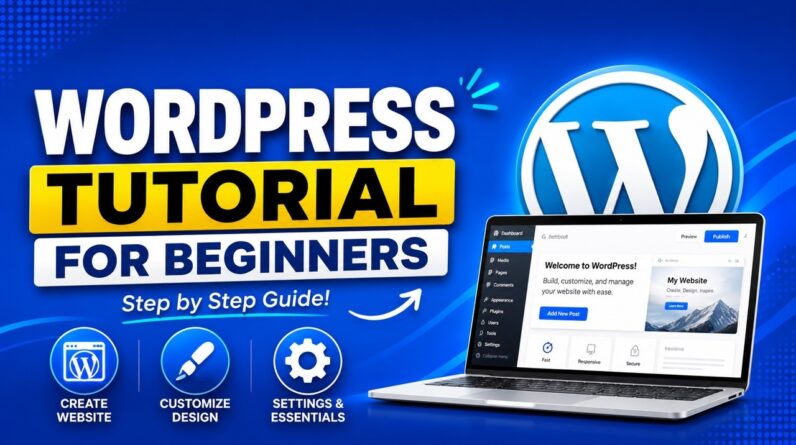
In this WordPress tutorial for beginners, I’ll show you step by step how to create a WordPress website from complete scratch using a free theme and only free plugins.
✅ Best WordPress Hosting (+Exclusive Discount): https://meticsmedia.com/hostinger-XEQ
Learn how to use WordPress and create a website from scratch in this WordPress tutorial for beginners: a beginner-friendly, step-by-step guide to website design with no coding required. We’ll set up affordable hosting, register a domain, install WordPress, and build your site using the free Astra theme, free plugins, and the Elementor drag-and-drop page builder. You’ll also learn how to import hundreds of mobile-friendly, customizable templates with the Starter Templates plugin, so you can launch a professional-looking website fast.
🔗 Links Mentioned in Video
Connect external domain: https://www.youtube.com/watch?v=nrWcjj2mCXY
📍 Exclusive Deals & Discounts: https://meticsmedia.com/deals
⏱️ Timestamps
0:00 Intro
1:09 WordPress.com vs WordPress.org (must watch!)
3:22 Simple 5 Step Process
4:05 Setting up Hosting
7:42 Registering your Domain
10:00 Installing WordPress
13:02 Installing your Theme
14:20 Installing Plugins & Page Builder
17:16 Choosing a Template
19:46 Customizing Website
📄 Disclosure
Some of the links are affiliate links. If you make a purchase through them, we earn a small commission at no extra cost to you. This helps us keep our videos free for everyone.