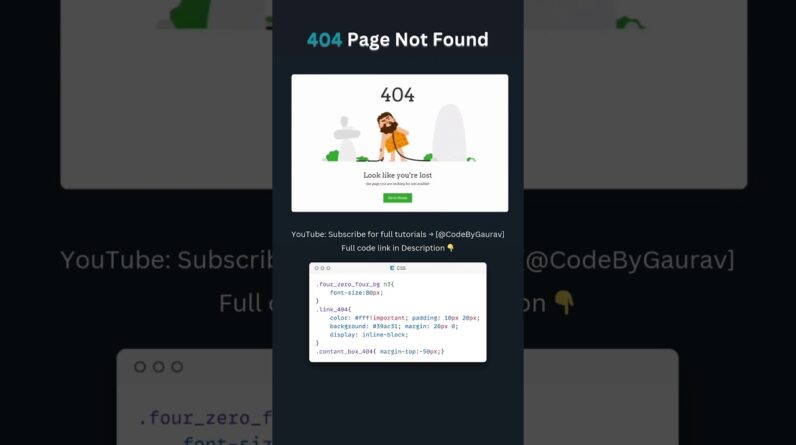
🔥 **Create a Stylish 404 Page Not Found Using HTML, CSS & JavaScript** 🚀
👋 Hey developers! In this video, I’ll show you how to create a **modern and creative 404 error page** using **HTML, CSS, and JavaScript**. This page will have **smooth animations**, **hover effects**, and a clean professional design to keep users engaged even when they hit a broken link.
🚀 **What You’ll Learn:**
✅ How to create a **custom 404 error page** using HTML & CSS
✅ How to add **hover effects** and **animations** using CSS keyframes
✅ How to make the page **fully responsive** on all screen sizes
✅ How to use **JavaScript** to add interactivity (like redirect or button)
✅ How to make the design **user-friendly**
💡 **Why This 404 Page is Special:**
✔️ Clean and Modern Design
✔️ Smooth Animations & Hover Effects
✔️ Mobile-Friendly and Fast Loading
🔗 **Source Code:** (https://t.me/Code_By_Gaurav)
💖 **Support & Follow Me:**
📌 **Subscribe** for more web development tutorials:@CodeByGaurav
🔔 Don’t forget to **LIKE, SHARE, and SUBSCRIBE** for more awesome web development content! 🚀
#html #css #404pages #ErrorPage #webdesign #csstricks #webdevelopment #shorts #404Page #cssanimation #webdesigntutorial #javascript #htmlcss #uiux #webcoding #uidesign #htmlcssjavascript