Get up to 75% off your hosting + 3 months FREE with Hostinger:
👉 https://createaprowebsite.com/hosting126
Make sure the coupon code: CREATEAPROWEBSITE is used on checkout.
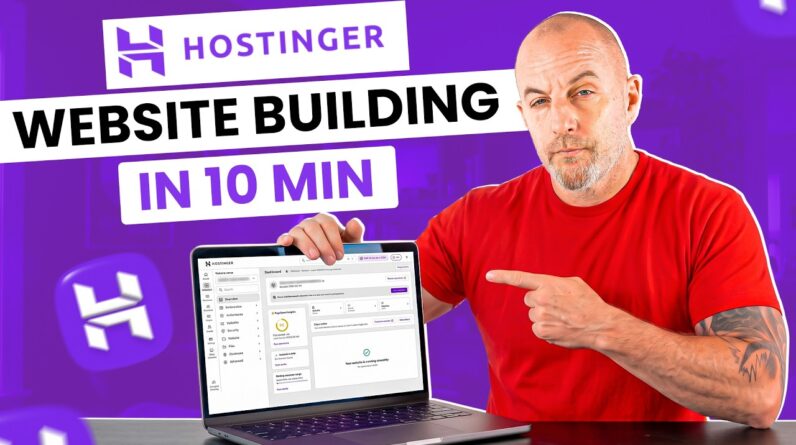
How to Build a Website with WordPress 2025 (Full Tutorial)
So you want a website in 2025? Let’s make it happen. 🙌 In this WordPress tutorial, I’ll walk you step-by-step through building a site from scratch — even if you’ve never touched WordPress before. No tech jargon, no coding headaches, just a simple process that actually works.
In this video, I’ll show you how to build a simple WordPress website in under 15 minutes. WordPress is one of the easiest CMS platforms out there, and thanks to its drag-and-drop format, you can create a fast, affordable, and great-looking site without writing a single line of code. This is a full, beginner-friendly tutorial designed to help you launch a professional website the easy way.
Here’s what we’ll cover:
⚡ Setting up WordPress and hosting (super quick + beginner friendly)
⚡ Choosing the right theme + plugins for 2025
⚡ Designing pages that don’t look like they were made in 2008
⚡ Customizing your site for blogging, business, or an online store
⚡ Pro tips to get your website looking clean, fast, and ready to grow
By the end of this tutorial, you’ll have a real, live WordPress website you can show off — whether it’s for your brand, side hustle, or that idea you’ve been putting off forever.
👉 Hit play, follow along, and by the time you’re done… you’ll actually have a website (and wonder why you didn’t do this sooner).
TIMESTAMPS
—————————————–
00:00 – Intro – Build a WordPress Website for Beginners!
00:26 – Get Your Web Hosting and Domain Name
02:06 – Setting Up Your WordPress Website
02:31 – Register Your Free Domain Name for WordPress
02:58 – Log into Your WordPress Website
03:21 – Install The Astra Theme and Elementor for Free
04:58 – Customize Your Website With Elementor (Elementor Basics)
07:50 – Editing Your WordPress Website for Mobile
08:38 – Editing Your Posts, Pages, and Plugins on WordPress
10:00 – Editing Our Site Title and Tagline on WordPress
10:22 – Creating and Editing Our Menu in WordPress
11:25 – Outro – Thanks for Watching! Leave Questions Below!
FULL WORDPRESS COURSE
—————————————–
https://www.udemy.com/course/how-to-create-a-wordpress-website-with-elementor-2021/
OTHER HELPFUL VIDEOS
—————————————–
How to Make Your First $1000 as a Web Designer
How to Create a Website in 10 Minutes:
How to Create a Business Email for Free
How to Create a Free Logo for Your Website:
FOLLOW & CONNECT WITH US
————————————————–
My Website :
https://createaprowebsite.com
Create a Pro Website Instagram:
https://www.instagram.com/createaprowebsite/
Create a Pro Website Facebook:
https://www.facebook.com/createaprowebsite/
And don’t forget to SUBSCRIBE to Create a Pro Website for more awesome website tutorials:
http://youtube.com/createaprowebsite?sub_confirmation=1
Disclaimer: Some of the links above have an affiliate code – if you purchase with these links, I will receive a small commission at no additional cost to you.