✅ Start hosting your GPT-6 Astra website (coupon: MIKEY) https://go.hosting.com/mikey
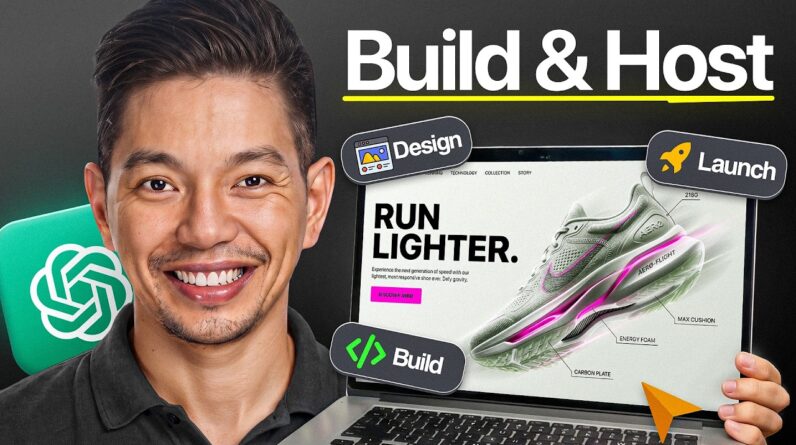
In this video, I’ll show you the easiest way to build and host a GPT 6 Astra website with a simple step-by-step process. This beginner-friendly GPT 6 Astra tutorial walks you through how to create a functional GPT 6 Astra website, customize it, and get it ready to host without complicated development workflows. You’ll learn how GPT 6 Astra can help you build websites faster, turn your ideas into working projects, and simplify the entire process from creation to deployment. Whether you’re completely new to GPT 6 Astra or looking for an easier way to build and host AI-powered websites, this full tutorial will help you get started in 2026.
00:00 – Intro: Building & Hosting a GPT6 Astro Website from Scratch
01:54 – Selecting Hosting.com Shared Hosting Pro Plan
04:01 – Hosting.com Discount Link & Promo Code Setup
04:35 – Prompt 1: Scaffolding React Vite Project, Tailwind & Hero Section
07:08 – Prompt 2: Adding Services Cards & Studio Story About Section
09:21 – Prompt 3: Adding Client Testimonials & Gallery Grid
10:59 – Prompt 4: Creating Contact Form & Head SEO Metadata Setup
12:37 – Prompt 5: Adding Unsplash Images & Mobile Responsive Pass
14:45 – Compiling Production Dist Folder with npm run build
16:26 – Uploading Production Files via Hosting.com FTP
17:51 – Final Site Inspection: Live Domain & Mobile Responsiveness
For inquiries: Mikey (at) ytmedia.group