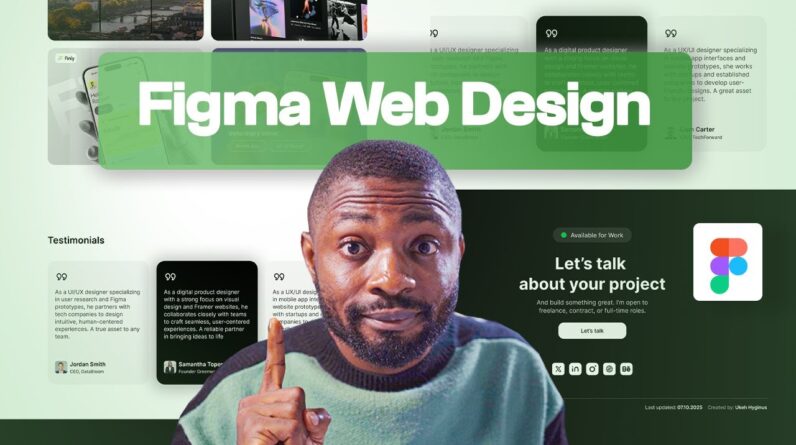
Are you new to Figma and want to learn how to design a professional website from scratch? In this beginner-friendly tutorial, I’ll walk you through the entire web design process using the latest Figma 2025 tools and updates.
From creating a layout, selecting fonts and colors, to building components and responsive designs, this video is your complete guide to starting your UI/UX design journey in Figma.
By the end, you’ll be able to design a clean and modern website that’s ready to be prototyped or handed off for development.
Figma Starter Project: https://www.figma.com/community/file/1533051534937005027
Iconly Icon Pack: https://gumroad.com/a/399071379/qryfw
You can also reach me at:
Website: http://www.hyginusukeh.com
Tiktok : https://www.tiktok.com/@hyginusukeh?_t=ZM-8yFIaSKU09w&_r=1
Facebook: https://web.facebook.com/hyginusukeh2
Twitter: https://twitter.com/hyginusukeh
Instagram: https://www.instagram.com/hyginusukeh
YouTube: https://www.youtube.com/channel/UCbVPTU8fv7e0EjGeQFbIsJA?sub_confirmation=1
0:00 – Intro
0:10 – Starter Project
0:48 – Page Setup
1:24 – Grid Setup
2:15 – Color Setup
4:17 – Typography Setup
6:20 – Icon Pack
7:04 – Nav Bar Design
14:22 – Hero Section Design
23:54 – Feature Work Section Design
29:24 – Testimonial Section Design
43:14 – Footer Section Design
50:15 – Renaming Layers
50:59 – Conclusion and Prototype Up Next
#Figma #FigmaAI #UIDesign #UXDesign #figmawebsite