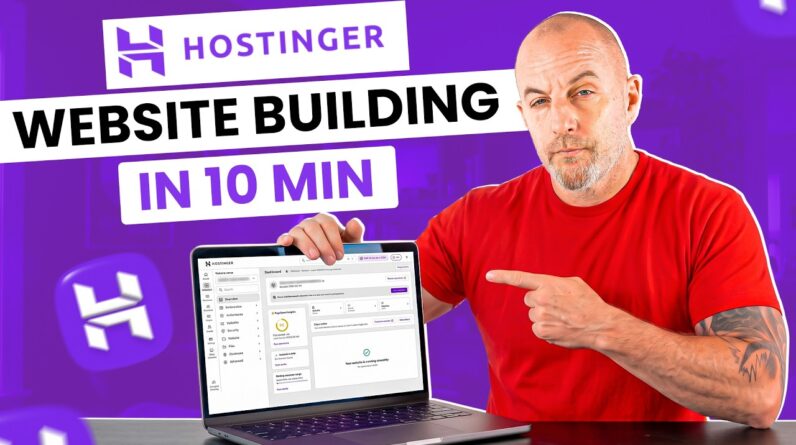
Want to move your website to another Hostinger account? 🚀
In this Hostinger tutorial, we’ll show you step-by-step how to transfer your website safely, keep the same domain, and ensure everything runs smoothly! 👉 Get started with Hostinger: https://bit.ly/3pERtZ6
💥 Use code HA10 at checkout for an extra 10% OFF!
____________________________________________
📌 Handy Links
Support Article: https://www.hostinger.com/support/7338133-moving-a-website-to-another-hostinger-account-keeping-the-same-domain/#h_2b4494919a
How to Upload Backups at Hostinger: https://www.hostinger.com/support/1884234-how-to-upload-backups-at-hostinger/
Join the Hostinger Referral Program: https://www.hostinger.com/referral-program
Join the Hostinger Affiliate Program: https://www.hostinger.com/affiliates
Join our team at Hostinger: https://www.hostinger.com/career
____________________________________________
⭐Follow Us⭐
TikTok: / hostingeracademy
X: https://x.com/Hostinger
Facebook: / hostinger
Reddit: / hostinger
Hostinger Tutorials: https://www.hostinger.com/tutorials
____________________________________________
🕒 Timestamps
00:00 – Intro
00:08 – Ownership transfer tool
00:30 – Download website files
00:57 – Download database
01:24 – Removing original website
01:37 – Adding website to new hosting plan
02:00 – Uploading website’s backup
___________________________________________
▶ Want to see more awesome tutorials like this in the future? Consider subscribing 😁
____________________________________________
Thank you for watching! Let us know in the comments below if you have any questions. Good luck on your online journey. 🚀
#Internalmigration #migratewebsite #HostingerAcademy