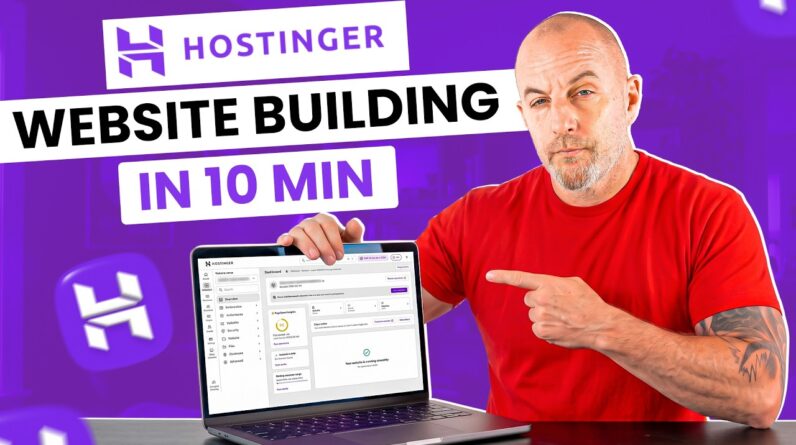
This Hostinger Website Builder Tutorial shows you how to create a complete website. Build, customize, and publish your site step by step.
✅ Hostinger (Exclusive Discount): https://meticsmedia.com/hostinger-ATH
This beginner Hostinger Website Builder Tutorial walks you through the entire process of building a professional website with Hostinger. I’ll show you how to use the AI builder because it’s the fastest and easiest way to get a website up and running. We start by creating your account and generating your first version with AI, then move into customizing your layout, editing your pages, and adjusting the design to match your brand.
You will learn how to add and organize pages, update your navigation, customize your header and footer, and fine tune your global styles. I will also show you how to add a blog, set up an online store with products and appointments, connect a payment method, edit your contact form, and optimize your site for search engines.
By the end of this beginner-friendly tutorial, your website will be live, fully customized, and connected to your own custom domain.
📍 Exclusive Deals & Discounts: https://meticsmedia.com/deals
⏱️ Timestamps
0:00 Intro
0:35 Sign Up and Choose Plan
2:42 Create Website with AI Builder
4:12 Customize Your Website Design
9:26 Check Mobile Layout
10:17 Customize Header and Footer
13:10 Add and Manage Pages
14:04 Adjust Website Styles
14:46 Add a Blog
16:11 Add an Online Store
20:17 Edit Contact Form
22:02 SEO and Optimization
22:50 Connect Your Custom Domain
24:08 Publish Website
📄 Disclosure
Some of the links are affiliate links. If you make a purchase through them, we earn a small commission at no extra cost to you. This helps us keep our videos free for everyone.