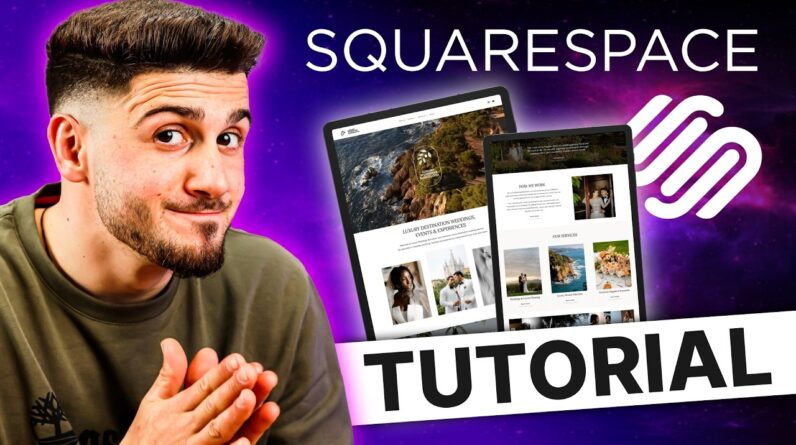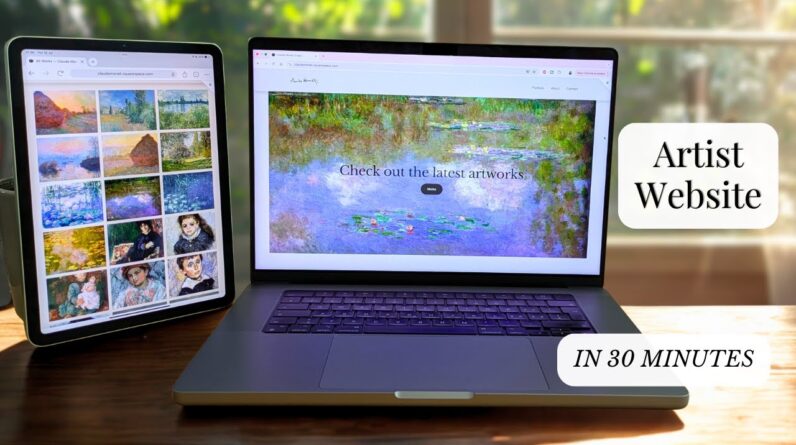
This Squarespace tutorial for artists (WITHOUT the confusing Designer Templates) shows you step by step how to build a complete artist website from scratch in 30 minutes*, perfect for beginners even if you’ve never built a site before. This video is not sponsored.
You’ll see exactly how to do it without using the confusing Designer Templates.
I’ll show you three different ways to showcase your art — from simple to more advanced gallery layouts — so you can add extra details and photos for each artwork if you want.
Of course, I’ll also guide you through setting up your Homepage, About page, and Contact page.
By the end of this step-by-step Squarespace guide, you’ll know how to make your art website live in 30 minutes with a free and custom domain name. Plus, you’ll see how to add downloadable files and fully customize your website’s style and look.
If you have any questions, just drop them in the comments. And subscribe for Part 2 where we’ll cover how to add e-commerce to your Squarespace artist site!
*The video runs a bit longer than 30 minutes because I show you three gallery options and a few extra tips, so you can pick what fits your art best.
Part two of this tutorial, for setting up the webshop:
● Links:
My website: https://www.adriennbaris.com/
Shop: https://www.adriennbaris.com/shop
Instagram: https://www.instagram.com/adrienn_baris_oil_painter/
00:00 Quick Look at the Final Site and Intro
00:23 Create Website
04:17 Homepage
07:20 Integrate Instagram
09:57 Add Social Media Links
11:12 Footer
13:23 Three gallery options
13:57 Option 1: Simple Gallery Grid
18:15 Option 2: Drop-Down Menu with Categories
23:00 Option 3: Detailed Page for Each Artwork
27:09 About Page
28:59 Contact Page
30:47 Going Live
31:29 Free Domain Customization
32:39 Extra Tips – Add Downloadable Files
33:28 Extra Tips – Include videos
33:39 Extra Tips – Style
34:06 Extra Tips – Header and Footer Visibility
34:22 Extra Tips – Disable Page while Editing