




Webflow launches Campaigns as a standalone product for creating landing pages and ads, including for businesses whose main website runs on another content management system. The company says the product is available for purchase in its October 20 announcement.
Campaigns connects asset creation with publishing, forms and reporting. A business can keep its core website where it is and use the additional workspace for campaign pages, rather than move the main site to Webflow.
Landing pages and ads work from the same brief
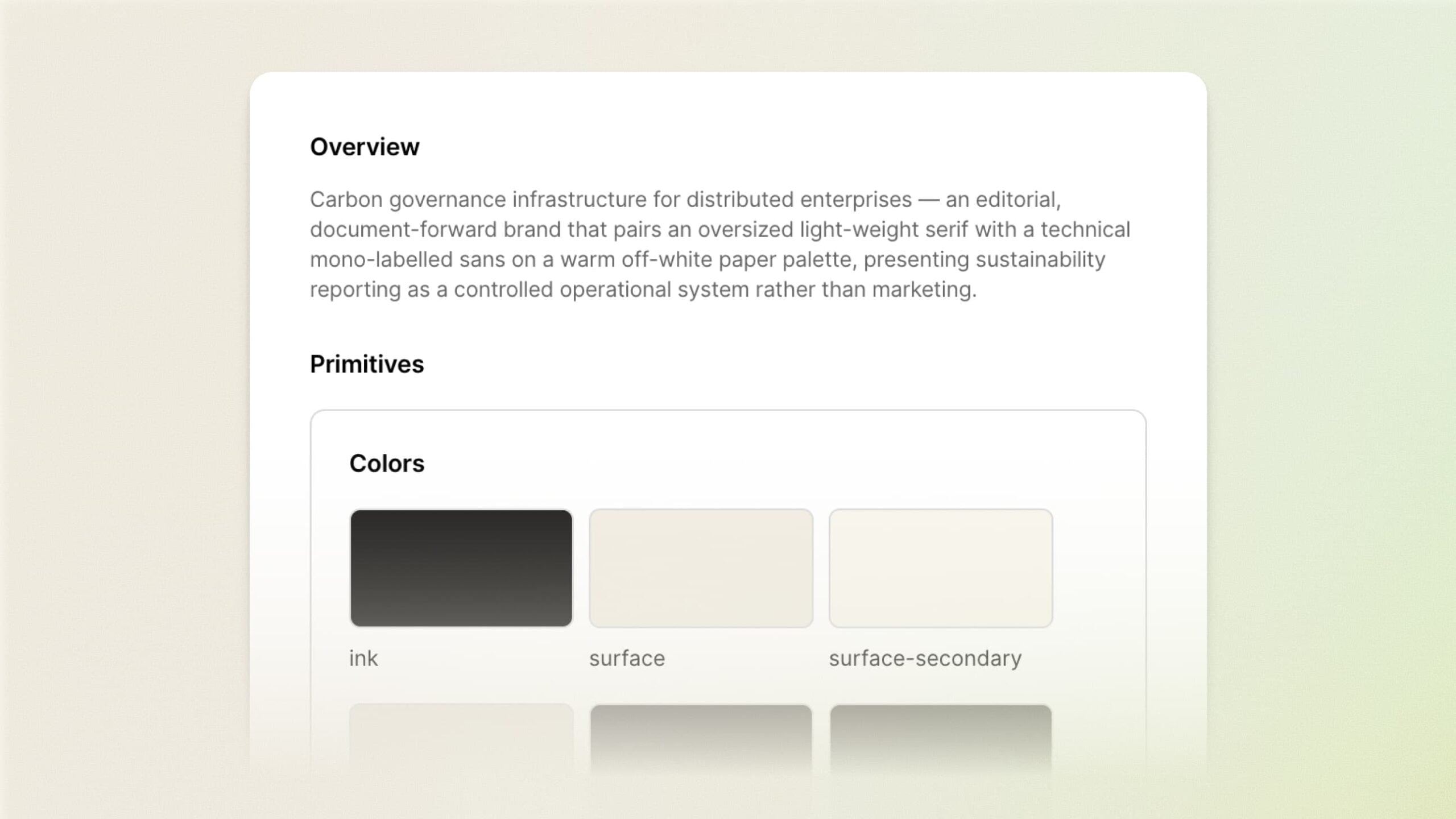
Webflow says Campaigns extracts brand context from an existing website and uses a shared brief and design reference to generate assets. Teams can edit the copy, layout and creative in a visual canvas.
The product supports page variations for different audiences, with a separate URL for each. Those addresses give a campaign manager a way to send an ad to the version written for its intended audience.
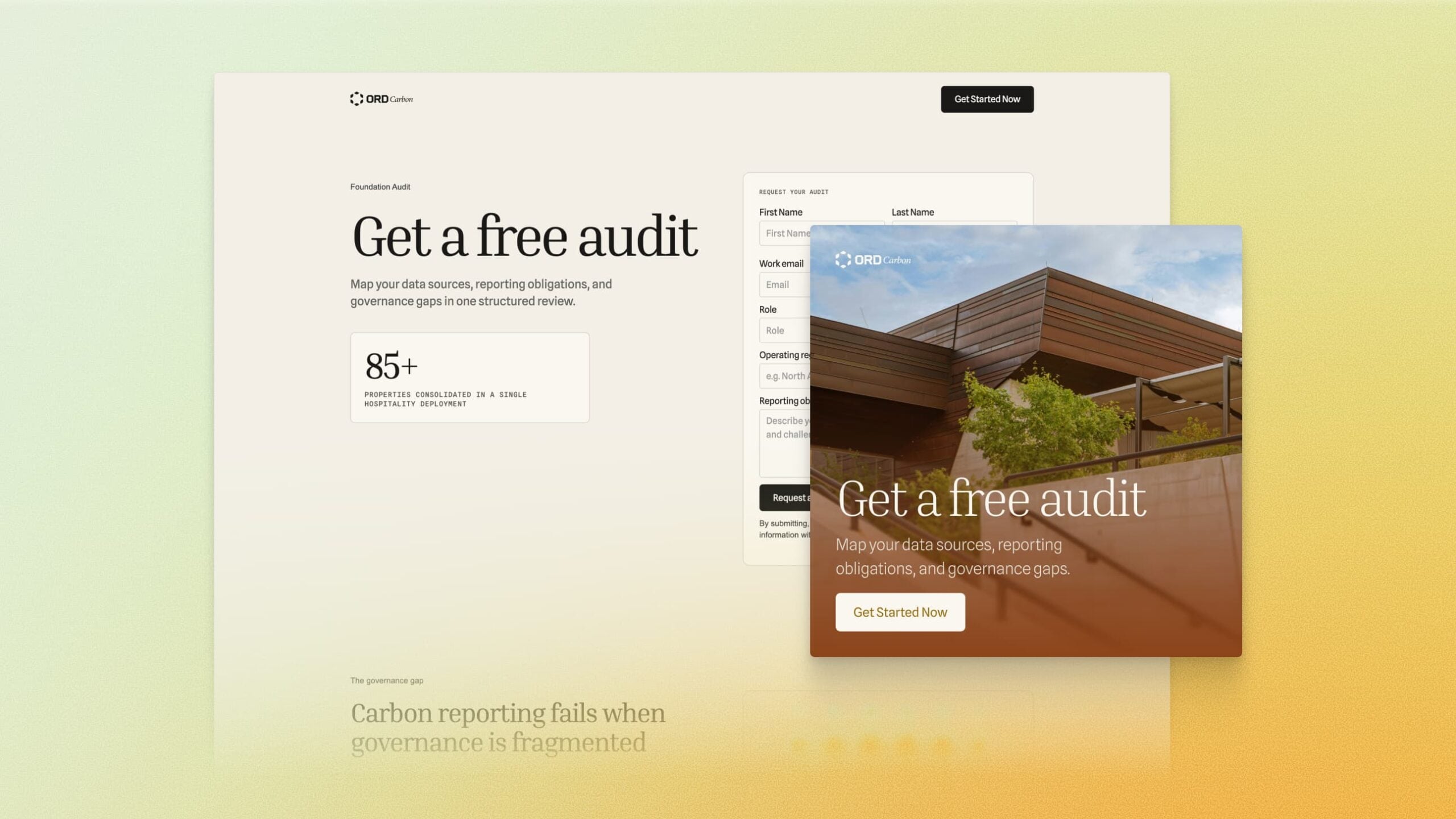
For paid search, that makes the relationship between the ad’s promise and its destination a useful review point. A page aimed at one industry can carry different evidence or offer details from a page aimed at another. The matching ad needs to land on the corresponding version, including after a later edit changes the offer or registration deadline.
Forms and reporting connect the campaign to sales
The launch includes Marketo and HubSpot forms, a Google Ads integration for preparing Performance Max campaigns and sending them to Google Ads for launch, and reporting connections to HubSpot and Salesforce.
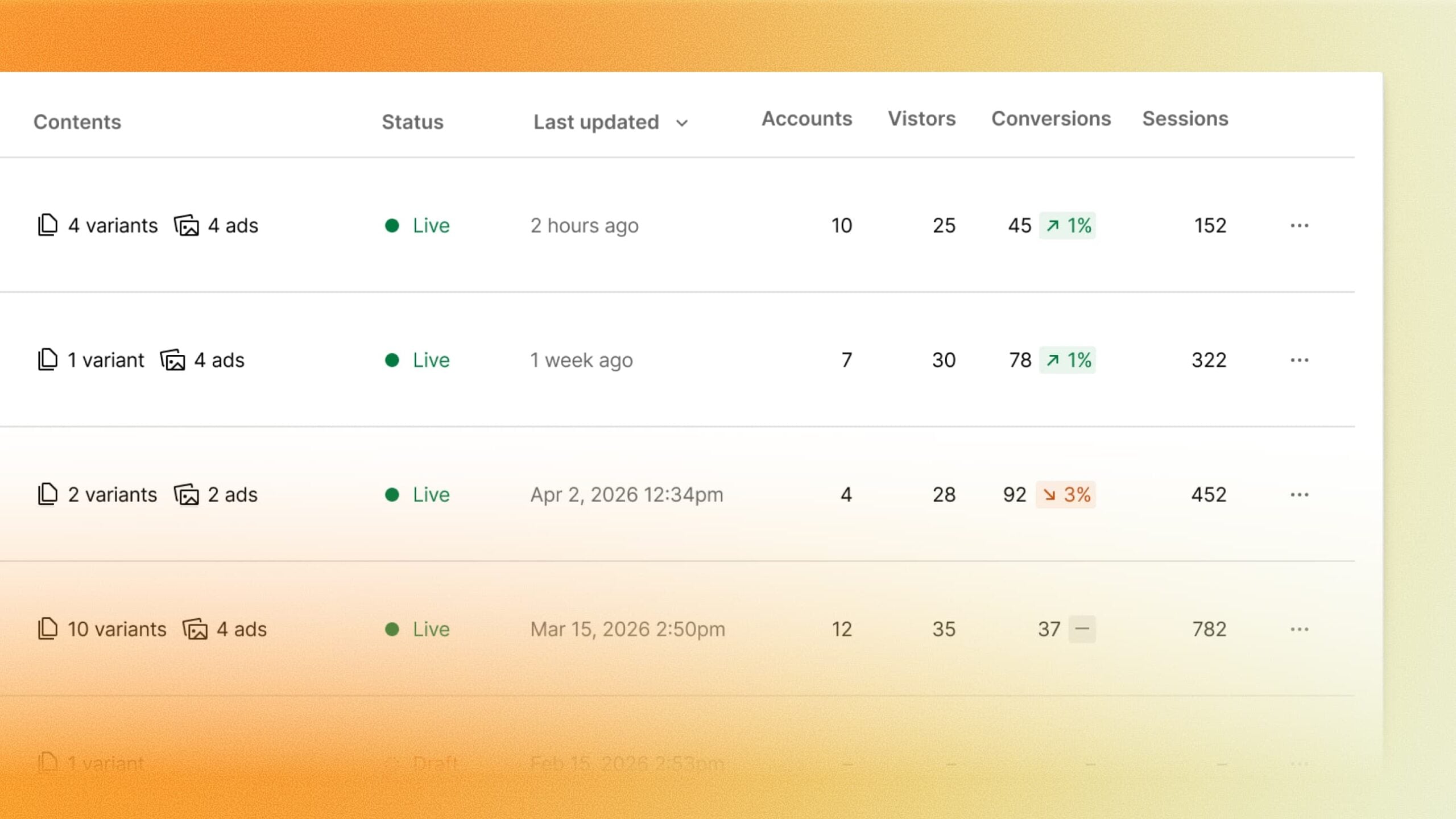
For an existing marketing team, those connections determine where the work continues after someone submits a form. A completed page can capture interest, while the form fields and customer record determine whether sales receives the details needed to act on it.
A practical launch check is to submit a clearly identified test entry on each page variation and trace it to the intended destination. The resulting record can show whether the campaign and audience details survive the handoff. That is a proposed check for the workflow; no Campaigns form submission was tested for this article.
Separate campaign URLs need a consistent measurement plan
Audience-specific URLs also change how a team reads the results. Comparing only total conversions can obscure which page attracted which audience, particularly if the offers or lead criteria differ. Keeping the page version attached to the lead record gives the sales result a connection back to the asset that generated it.
That comparison becomes more useful when it includes the outcome after a submission, such as a qualified lead or completed purchase. A campaign that generates more form fills may produce a different mix of qualified leads, so the page and customer records need a consistent definition of success.
Webflow’s announcement directs prospective buyers to a demo. It gives no complete price or usage table for Campaigns, so its inclusion in an existing site plan should be confirmed before a team budgets for the additional workspace.
Source: Webflow
The post Webflow launches Campaigns to build landing pages alongside your CMS appeared first on Search Engine Watch.
