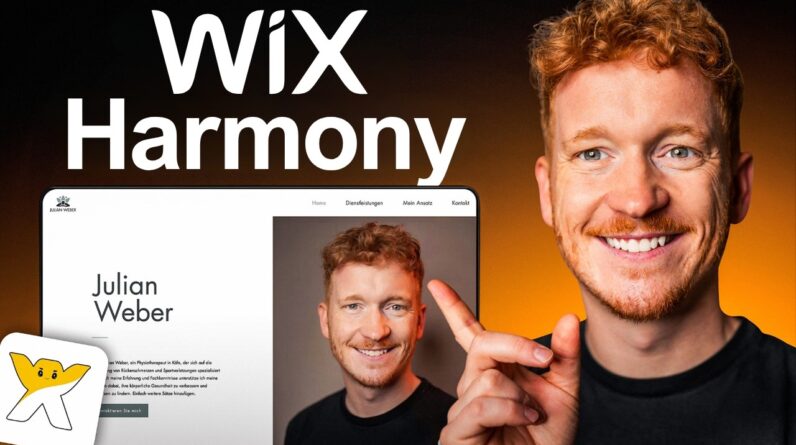
👉 Try Wix Harmony for free: https://julianweber.com/wix-en
In this Wix Harmony tutorial, I’ll show you step by step how to build a complete website using AI.
We’ll start with a simple prompt, generate the first version of the site, and then customize the layout, text, images, colors, and individual sections.
You’ll also see how to use Wix Harmony’s AI agent alongside the visual drag-and-drop editor to refine your website without coding. Wix describes Harmony as a hybrid editor that combines AI-powered generation with manual design control. By the end of the tutorial, you’ll know how to create, edit, optimize, and publish your own AI-generated Wix website.
🧰 Tools I use daily:
My no-code tool for apps: https://www.julianweber.com/base44
My AI for presentations: https://www.julianweber.com/gamma
My AI for voice cloning: https://www.julianweber.com/elevenlabs
Learn more on my Blog: https://julianweber.blog/
Disclosure:
Some links in this description are affiliate links. I may earn a commission if you make a purchase through these links — at no additional cost to you.
This video is for informational purposes only and should not be considered financial, legal, or professional advice. All information is without guarantee.