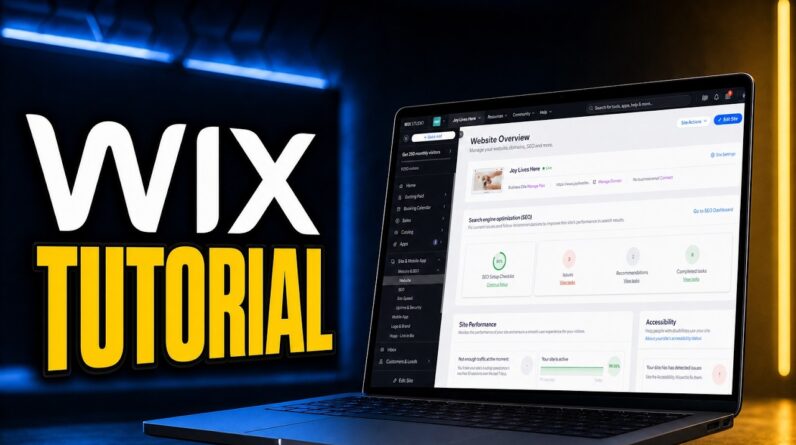
Add Physical Products to Your Wix Website the Right Way
If you’re selling products through Wix but not sure how to set everything up this video is for you. I’m walking you through how to add a physical product to your Wix store step-by-step, so you can start selling with confidence and keep everything organized from jump.
You’ll learn how to:
• Add physical products and customize details
• Add variants like size, length, or color
• Track inventory without confusion
• Set up preorders for upcoming drops
• Create product subscriptions for recurring income
This is perfect for anyone selling custom items, ready-to-ship products, or launching a new collection. Don’t just list your product set it up to actually sell.
TIMESTAMPS
00:00 Intro
00:32 Adding a Physical Product
01:20 Customizing Wix Product Details
08:20 Adding Variants / Product Options
11:40 Track Inventory
12:12 Preorders
13:20 Product Subscriptions
CHECK OUT MORE RESOURCES: https://www.deebelladigital.com/
If this helped you get your shop together, don’t forget to like, comment, and subscribe for more tutorials made for real business owners.
#WixStoreSetup #WixEcommerce #WixTutorial #ProductBasedBusiness #WixWebsiteDesign #OnlineStoreSetup #WixPhysicalProduct #DeeBellaDesigns #SmallBusinessTips #WixHelp