check out my new Squarespace template: https://jen-webb.com/luna-template
✨ code snippets ✨
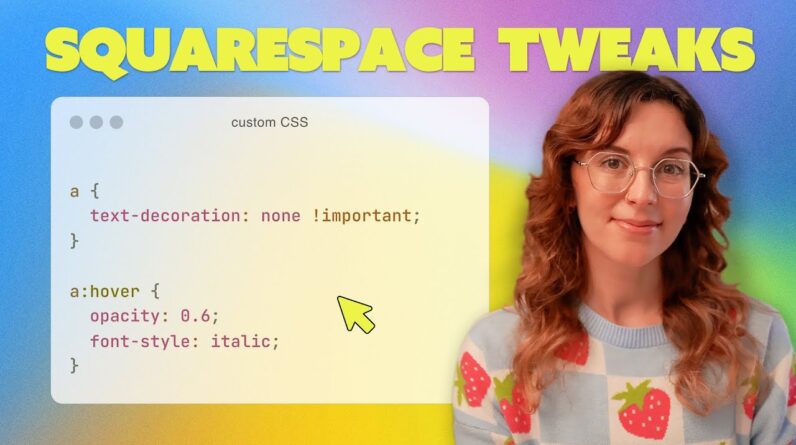
/** remove underline from all text links **/
a {
text-decoration: none !important;
}
/** style text links in the footer **/
footer a {
text-decoration: none !important;
text-transform: uppercase;
letter-spacing: 0.1em;
font-size: 0.8em;
font-weight: 600;
}
/** change text style when hovering over links **/
a:hover {
opacity: 0.6;
font-style: italic;
}
/* change bullet points to arrows (replace the arrow with whatever symbol you want) */
the code snippet for this one includes an angled bracket which apparently YouTube doesn’t allow in their descriptions! I made a blog post on my website for this video and you can find the code snippet there:
https://www.jen-webb.com/blog/tips-to-level-up-squarespace-website
*sorry the video is slightly out of focus, apparently I’m still learning how to use my camera 🥲*
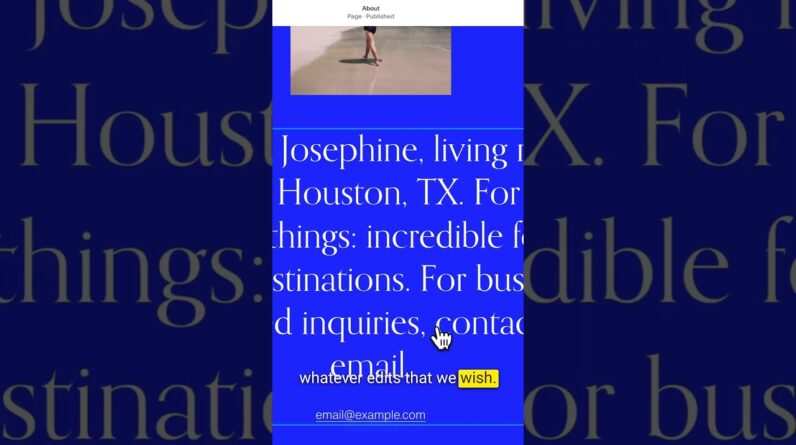
In this video I’m sharing some simple squarespace tips & tricks to help you make your website look more professional, including how to make the header links look better, how to style the footer links and remove the underline in text links, and how to add more visual interest and personality to your website.
This is not meant to be a detailed and thorough tutorial, this is assuming you already know your way around Squarespace. For Squarespace beginners struggling to follow along, I’d recommend checking out some of my other videos on how to use squarespace:
if you found this video helpful and want to say thanks, consider buying me a coffee ☕️ https://buymeacoffee.com/jenwebb
✿✿✿
WHERE TO FIND ME
https://www.instagram.com/jenwebbcreates
@jenwebbcreates
https://www.jen-webb.com
spoonflower shop (you can buy my art on wallpaper, fabric & home decor):
https://www.spoonflower.com/profiles/jenwebbcreates
✿✿✿
FILMING GEAR
https://www.jen-webb.com/filming-gear
✿✿✿
♫ music: https://artlist.io/referral/5698777/Jennifer
✿✿✿
Chapters
00:00 intro
01:10 style text links – remove underline
05:03 change link style on hover
06:26 header updates
10:58 add visual interest with shape blocks and dividers
16:57 add personality with custom bullet point symbols
✿✿✿
All opinions are my own. Some links listed are affiliate links which means I earn a small commission if anyone decides to purchase through them. Thank you so much for your support!
#webdesign #squarespacetips #squarespace