


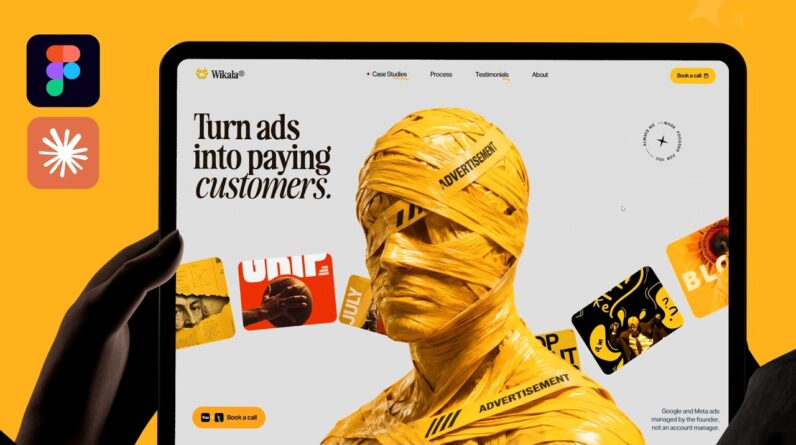
Most AI-built websites look vibe coded, or like a copy of someone else’s template. In this video I show the workflow we use in our agency instead: design the website in Figma, connect Figma to Claude Code through the Figma MCP, explain every animation in one detailed prompt, then fix what Claude didn’t nail with video references. The creative decisions stay in your hands, and Claude does the development.
Looking for a design partner? Work with my design studio:
https://zzstudio.design/
CHAPTERS
00:00 Why AI websites look vibe coded
01:30 Design the website in Figma
02:30 Connect Figma to Claude (Figma MCP)
04:05 Share the Figma link & write the prompt
05:40 Explaining every animation to Claude
13:58 Sending the prompt to Claude Code
14:32 First result & what to fix
16:26 Fixing the errors
20:04 Using video references for animations
26:01 Result after the fixes
27:22 Final website
27:58 Making it live (Vercel + GitHub)
28:15 Recap of all the steps
WATCH NEXT
Our full client process (designing the site in Figma): https://www.youtube.com/watch?v=yu9f8J8SY_Y
Figma Motion tutorial (make your own animation references): https://www.youtube.com/watch?v=E_6Z7EUSFu4
The inspiration resources I use: https://www.youtube.com/watch?v=wTROHTxRqFY
TOOLS USED
Figma · Figma MCP · Claude Code (Opus 5.5, effort: Extra) · Next.js · GSAP · Lenis · Vercel + GitHub
——————-
Find me here:
Instagram: @ayzz.thedesigner
YouTube: @AyzZ.TheDesigner
TikTok: @ayzzthedesigner
——————-
#ClaudeCode #Figma #WebDesign