📖 Get My Hostinger Course for Free: https://academy.dotcom.builders
🎓 Join my Academy (Free): https://academy.dotcom.builders
For Business Inquiries: ben@dotcom.builders
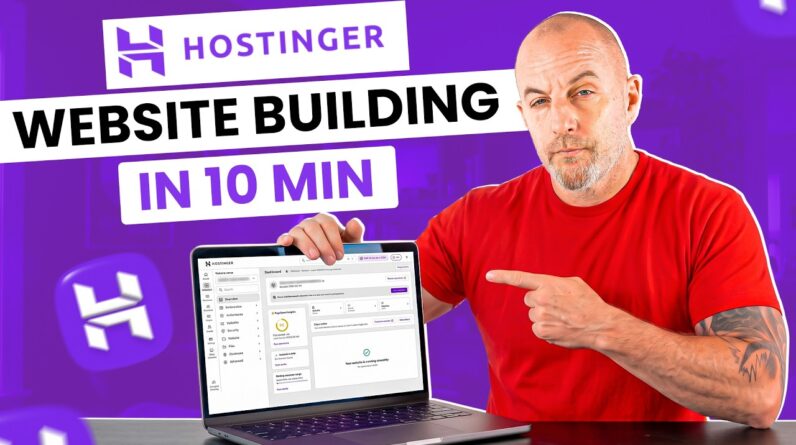
In this video, I’ll show you step-by-step how to build a website with Hostinger Website Builder. You’ll learn how to upgrade your plan, register your domain, edit text, add images, customize your header, and create pages such as About, Services, and Contact. I’ll also guide you on how to add sections, use AI tools to personalize your content, set up a blog, connect social media links, and publish your new site.
How to build a website with Hostinger Website Builder is one of the easiest ways to create a professional website. With Hostinger Website Builder, you can quickly design your homepage, upload your logo, edit navigation menus, and customize your background with photos or videos.
If you’re looking for a complete guide on how to build a website with Hostinger Website Builder, this tutorial is perfect for beginners and small businesses. By the end, you’ll know how to design, edit, and publish your site live.
Start your journey today and follow along to create your own stunning website with Hostinger!
#Hostinger #WebsiteBuilder #HostingerTutorial