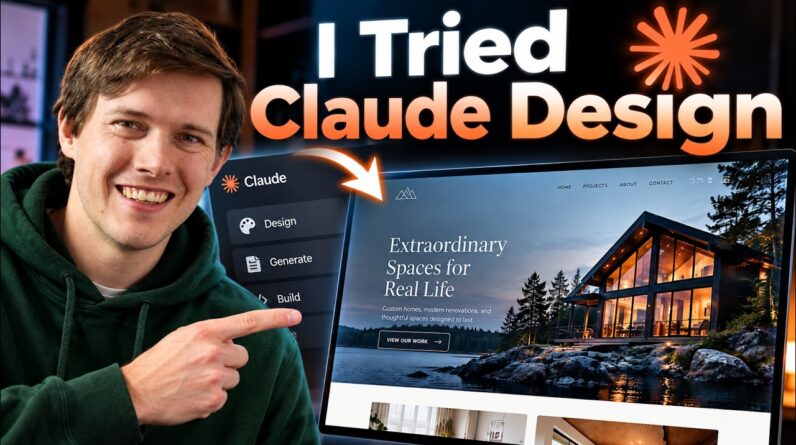
Create beautiful AI-generated websites with Claude Design, then turn them into fully editable WordPress websites using Elementor, without relying on messy HTML widgets.
🚀 Get 10% off your webhosting plan + a free domain: https://ferdy.com/webhosting
Use coupon code FERDY at checkout.
In this complete step-by-step tutorial, you’ll learn how to:
✅ Create an amazing website with Claude Design
✅ Build a professional Design System
✅ Generate AI images with Higgsfield
✅ Optimize your exported website for speed
✅ Get FREE web hosting & a FREE domain
✅ Install WordPress the right way
✅ Connect Claude Design to WordPress with Novamira
✅ Convert everything into native Elementor elements
✅ Edit every section visually with Elementor
✅ Build headers, footers, contact forms and navigation
✅ Launch a professional website that’s ready for SEO, blogging and growing your business.
Unlike most AI website builders, you’ll end up with a website you actually own and can edit forever.
Whether you’re a freelancer, agency owner, entrepreneur or complete beginner, this tutorial shows you the entire workflow from AI prompt to a live professional website.
👇 Resources used in this tutorial:
• Web Hosting: https://ferdy.com/webhosting
• Elementor: https://ferdy.com/elementor
• Blocksy Theme: https://ferdy.com/blocksy
• Novamira: https://ferdy.com/novamira
• Claude Design Tutorial Resources: https://ferdy.com
Timestamps:
00:00 Intro
01:39 Start With Claude AI
03:27 Create A Design System
06:56 Create Your Website With A Prompt
12:36 Add Images To Your Website
14:07 Reduce The Size Of Your Website
15:55 Make The Layout Way Better
18:25 Publish Your Website On A Free Domain
25:42 Clean Up Your WordPress Website
29:14 Connect Claude Design With Your Website
40:56 Link All Images
44:07 Adjust The Settings Of The Website
53:09 Adjust The Header Of Your Website
01:02:35 Test The Contact Form
01:03:31 Thank You
If this tutorial helps you, don’t forget to Like 👍 Subscribe 🔔 and let me know in the comments what website you’re going to build!