Just getting started with Squarespace? Use code VICTORIA10 for 10% off: https://www.victoriaweber.com/squarespace
Or hire my agency if you want us to set things up for you: https://www.everyblue.de/english
_____
(Affiliate link)
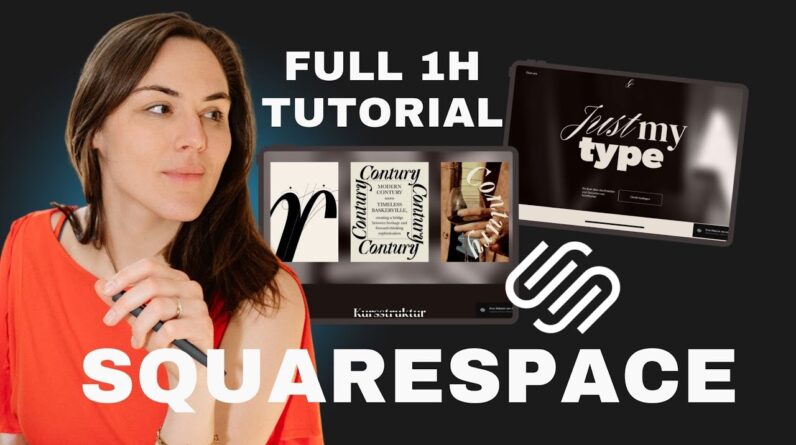
Want to build your own beautiful website? In this full Squarespace tutorial, I’ll walk you through every step — from setting up your template and optimizing your images to designing your fonts, choosing your colors, customizing sections, and understanding SEO. Whether you’re a service provider or personal brand, you’ll learn how to set up a fully functional and optimized site — no tech stress needed.
Content of this video:
00:00 – Introduction & What to Expect
03:10 – Choosing Your Website Type & Brand Example
04:20 – Getting Started with Squarespace
– Navigating to Squarespace and clicking “Get Started”
– Picking the Right Template
– Tips for choosing a template that fits your vision
– How to preview and start with a design
08:00 – Understanding Squarespace Trials & Publishing
– When Squarespace charges you and how publishing works
10:00 – Preparing Your Content & Images
– What to have ready: Website copy, images, and page structure
11:45 – Image Optimization for SEO & Speed
– Importance of optimized images for loading speed
– Step-by-step: Renaming, resizing, and compressing images
– Recommended image sizes and formats (WebP, JPEG)
15:40 – Squarespace Interface Tour
– Overview of the dashboard and live preview
– Understanding the sidebar: pages, styles, assets, SEO, and more
20:20 – Pages, Styles, and Site Settings
– Managing pages and navigation
– Styles: Fonts, colors, and buttons
24:30 – Essential Site Settings
– Setting language, currency, region, and time zone
– Managing your internal domain for a professional look
28:30 – Domains & Email Setup
32:30 – Pro Tip: Build a Mood Board First
– Why mood boards make designing easier
35:00 – Customizing Your Site’s Style
– Fonts: Picking, testing, and applying fonts globally
– Creating a style manual page for easy editing
– Setting Up Your Global Color Palette
– How Squarespace’s 5-color system works
– Editing and previewing color palettes
41:30 – Working with Sections and Blocks
– How sections build your pages
– Adding, duplicating, and customizing sections
– Using and customizing blocks (text, images, buttons)
– Button Styles and Section Themes
– Customizing button appearance
– Using section themes for color and style variation
– Tips for beginners: Stick to defaults, avoid over-customization
48:00 – Building Your Pages in Squarespace (About Page Example)
– Creating and organizing pages in the main navigation
– Editing the site header and navigation
– Uploading your logo or setting a site title
– Using pre-built or blank sections
– Adding images, text, and quotes to sections
– Optimizing images within Squarespace (focus points, shapes)
57:30 – Saving and Reusing Sections
– Using “Saved Sections” for efficiency
– Drag-and-drop to build out pages quickly
59:00 – Creating Dropdowns and Organizing Navigation
– Adding dropdown menus for services or categories
– Structuring subpages within navigation
1:00:30 – SEO Basics for Each Page
– Setting page URLs, titles, and descriptions
– Using AI tools for SEO copywriting
– The importance of SEO settings for Google visibility
– Completing the SEO checklist in Squarespace
– Adding alt text and metadata to images
– Setting a favicon for brand recognition
1:05:30 – Final Checks: Forms, Links, and Footer
– Testing forms and contact blocks
– Linking text and buttons correctly
– Designing a modern, effective footer
– Ensuring mobile responsiveness and easy navigation
– Fi Legal & Privacy Essentials
– Connecting Your Domain & SSL Setup
– Publishing Your Website
—
**If you found this tutorial helpful, don’t forget to like, subscribe, and check the links below for discounts and additional resources!**
*This is an affiliate link, which means I may earn a small commission if you choose to use it – at no extra cost to you.
#squarespace #website