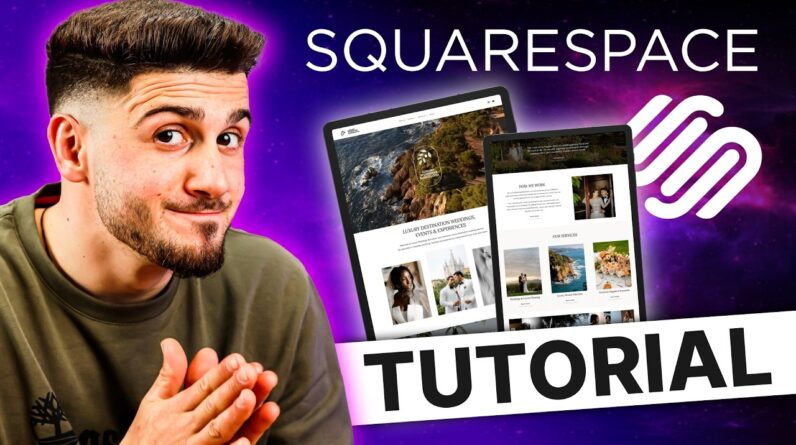
In this Squarespace tutorial for beginners, I’ll walk you step-by-step through the basics of setting up and editing your site. Whether you’re starting with a blank website or a pre-designed template, this video will help you feel confident using Squarespace’s tools and features!
👉 What you’ll learn in this tutorial:
-How to choose a template and customize it
-Adding pages, images, and text
-Basic design tips to make your site stand out
-How to connect your domain and publish your site
-Squarespace’s built in settings, and more!
By the end, you’ll have a professional-looking Squarespace website up and running—even if you’re brand new to web design!
0:00 Intro
0:20 Dashboard Overview
0:34 How to Create a New Site
1:11 Squarespace Settings & Features
1:31 Adding Pages to Your Site
2:29 How to Duplicate Pages
2:57 How to Delete Pages
3:03 Move Pages to “Not Linked”
3:42 Re-Arranging Pages in Navigation
3:56 Editing Site Styles
10:35 Edit Site Animations
11:08 Adding Assets
11:20 SEO and AI Settings
12:23 How to Add Products
13:25 How to Add a Membership or Course
14:12 Add Scheduling
15:05 Site Analytics Overview
15:25 General Site Settings
16:25 How to Edit Your Website
19:11 Drag & Drop Elements
19:29 Edit Text
20:59 Edit Images
21:48 Adding Blocks
22:31 How to Edit Buttons
23:07 Utilizing the Pin Feature
23:41 Using Squarespace’s AI Feature for Website Copy
24:28 How to Add New Sections
25:53 Linking Text
26:08 Editing Mobile Layout
🫶🏼 Don’t forget to like, subscribe, and hit the bell for more Squarespace + website design tips!
⭐️ Check out our Squarespace, Showit & Canva Templates:
https://studiolaterre.com/
👀 Come be Social!
https://www.instagram.com/studio.laterre/